
01
Bring your best photo
Upload a clear portrait. Keep your face visible and your outfit in frame—the photo is the starting point for your character.
Add one clear photo of you, pick a viral trend or cinematic style, and get a short high-definition video with your face in it, ready for TikTok and Reels. No app needed.
One adult, waist-up, face clearly visible. Good lighting makes a difference.
Scene mood and celebratory energy are tailored around what you type. Leave empty for general vibe.
Turn any portrait into a viral video in minutes.
★ Real AI generated video sample · Seedance 2.5 HDNo CapCut editing, manual timeline slicing or blank prompt boxes required.
Just upload one photo—AI renders the complete 8-second choreographed scene.
Upload a clear portrait. Keep your face visible and your outfit in frame—the photo is the starting point for your character.
The template sets the room, lighting and sequence of gestures using the Seedance-2 model. Choose 480P or 720P and start the render.
Find the completed MP4 in My videos. Download it, pair with your favorite sound, and share your new scene.
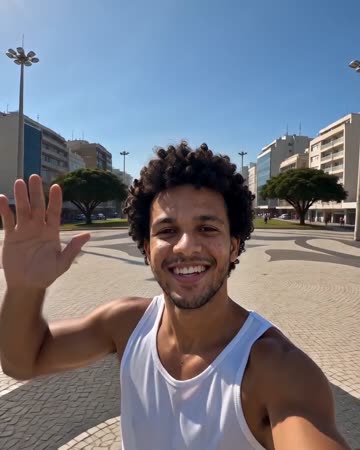 THE MOODBOARD / 001
Creating videos starring yourself no longer requires high-end cameras, studio lights, or video editors. With modern reference-to-video AI, a single clear selfie can star in any cinematic scene, dance routine, or viral social media trend.
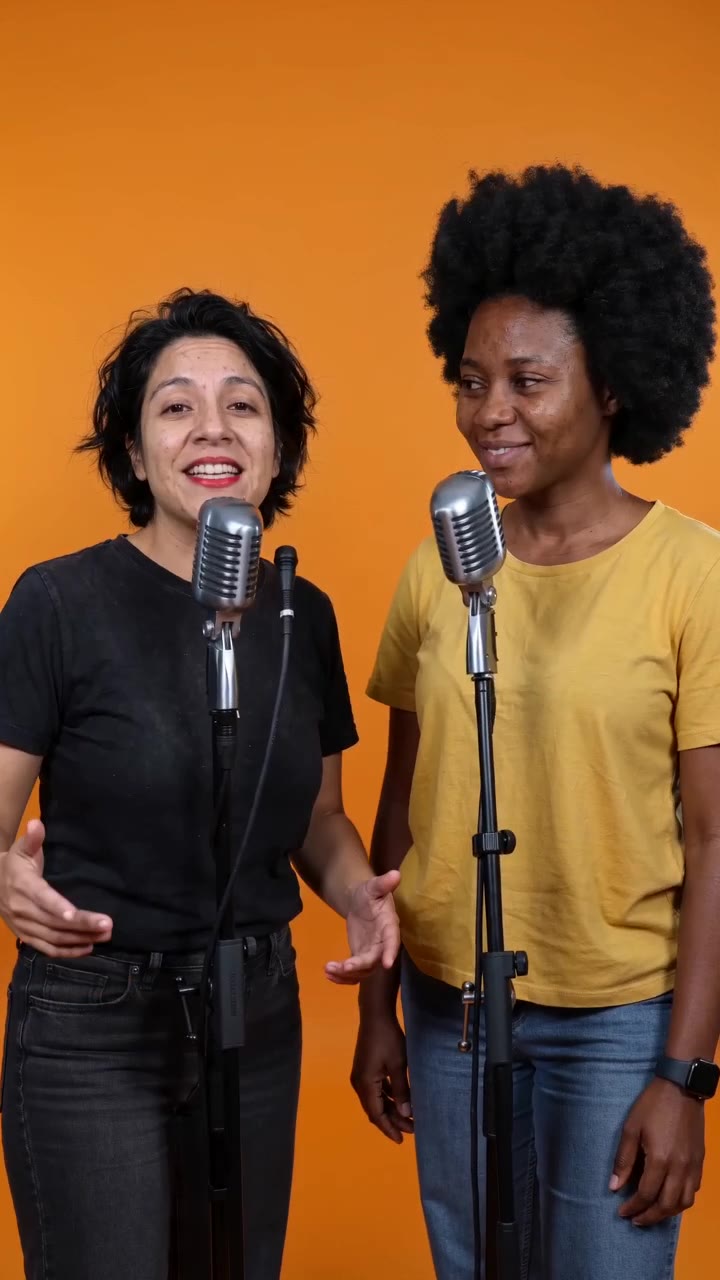
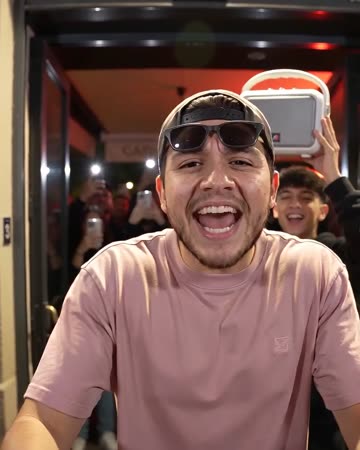
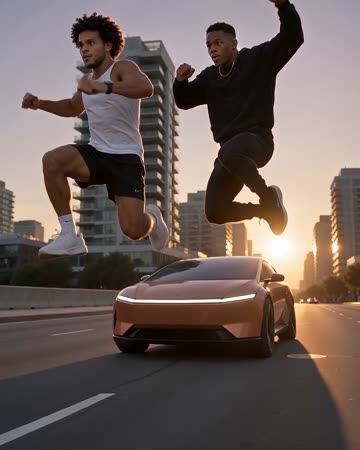
Choose from party entrances, orange booth rap stages, car jump stunts, or planetary zoom-outs. Everything renders directly in your web browser with no watermarks.
Buy once, create on demand. Standard videos use 100 credits.
100 credits: 2 videos at 480P or 1 at 720P.
200 credits: 4 videos at 480P, 2 at 720P or 1 at 1080P.
500 credits: 10 videos at 480P, 5 at 720P or 2 at 1080P.
Secure checkout with Stripe. Standard videos use 100 credits.
Failed renders automatically refund unused credits. Need help? Contact support@burningbridges.video.
Questions about your video?
support@burningbridges.video
Upload one clear photo of yourself, select an effect (such as Earth Zoom Out, Burning Bridges Party Entrance, or Ceiling Fan Outfit Change), and tap Make the effect. In minutes, the clip is ready to download with your facial identity preserved.
Rendering true cinematic AI video with accurate facial physics requires significant GPU resources. We offer one-time credit packs starting at $9.90 (100 credits, enough for standard HD video generation) without locking you into monthly subscriptions. Your purchased credits never expire, and any failed render is 100% refunded.
A single clear photo is all it takes. For the best likeness, use a well-lit, front-facing portrait or selfie without heavy filters, extreme angles, or sunglasses (unless the chosen style calls for them). The model uses your face geometry to animate realistic expressions and head motion.
Yes, that is the core purpose of this tool: transforming a static portrait into an active cinematic video—such as walking through an opulent chandelier party, doing a dembow street freestyle, or zooming from a city plaza into deep space.
Upload a picture containing both of you, or use dual-photo input on supported templates (like Hotel Lobby AI or Polaroid Hug). The AI animates both people side by side in the scene.
Only people who have given you explicit consent. Please never upload pictures of strangers, non-consenting individuals, or celebrities. Our platform enforces strict ethical safety and privacy standards.
Each render takes approximately 2 to 4 minutes depending on server queue. Everything operates directly in your mobile or desktop web browser—no CapCut templates to download, no plugins to configure.