
01
Bring your best photo
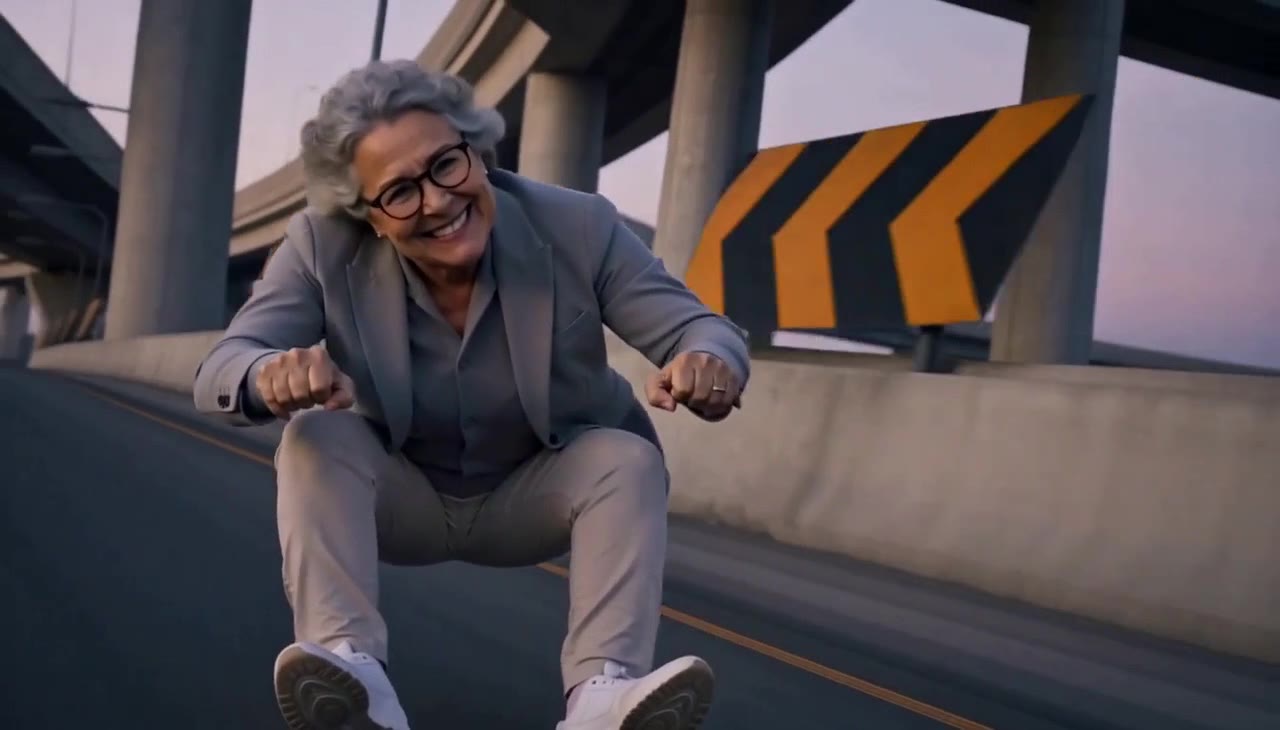
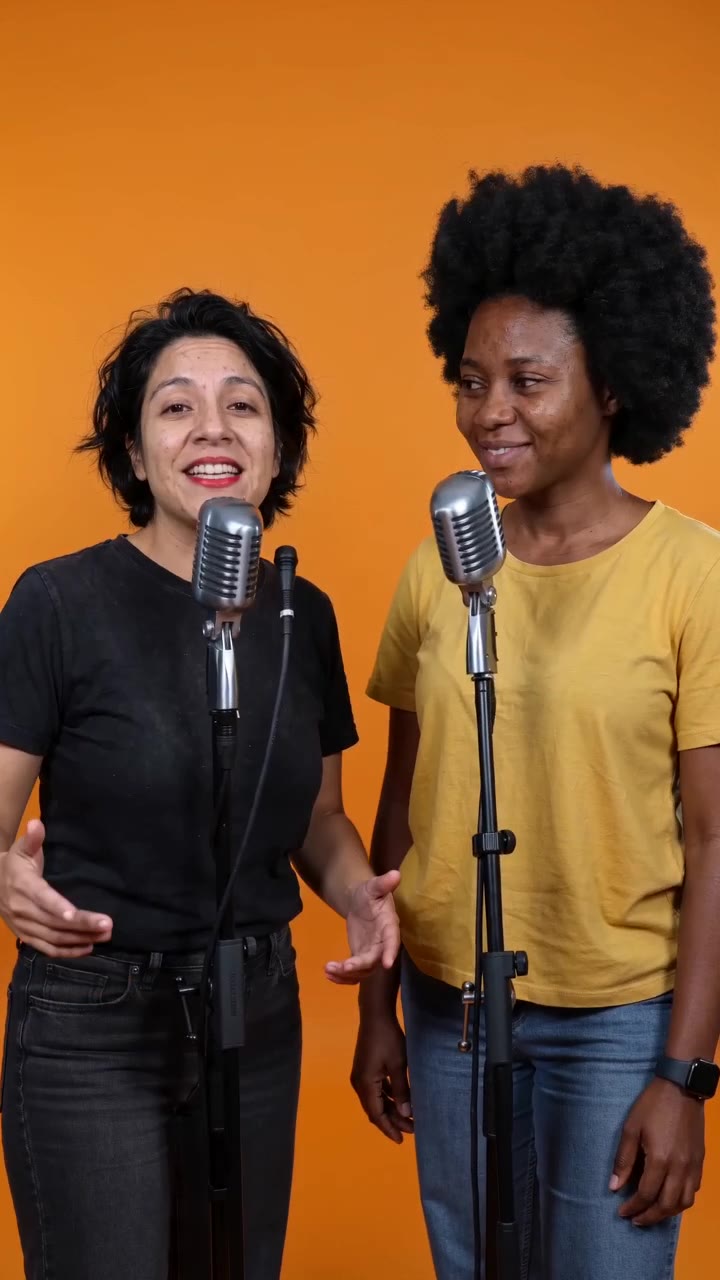
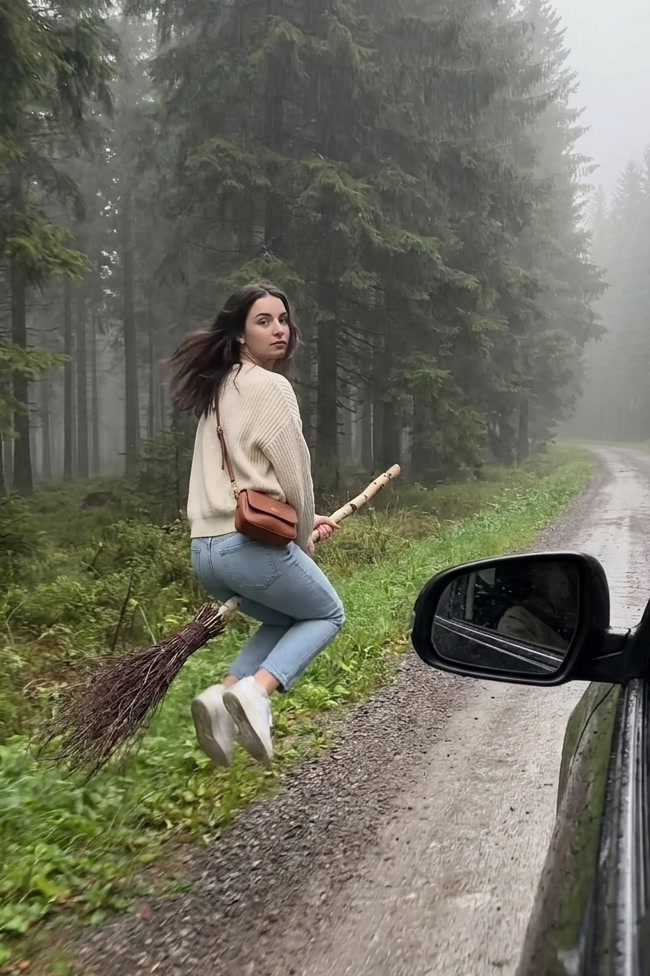
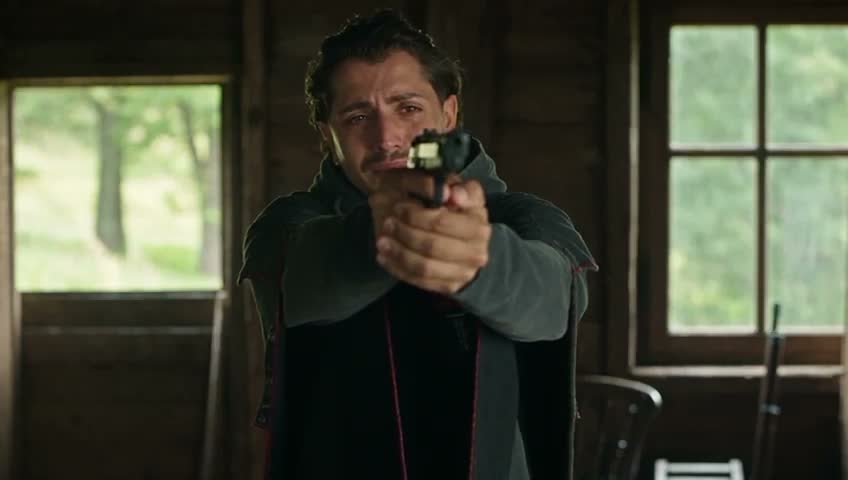
Upload a clear portrait. Keep your face visible and your outfit in frame—the photo is the starting point for your character.
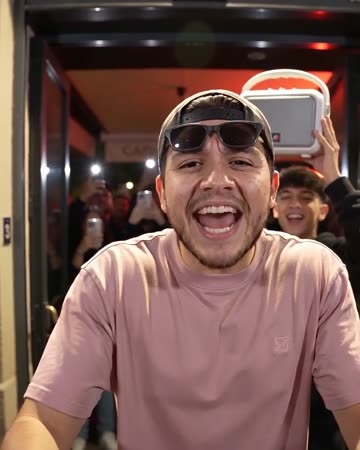
Add one photo (you, a friend, or your pet) and become the viral street rapper of the moment: red-lit restaurant at night, pink shirt, shades, a fan holding the speaker, and the crowd filming.
Upload one clear portrait with the face visible. Use one person for this style; group photos are not supported.
Looking for another viral style? Explore all 20+ viral AI trends →
The street freestyle. Your photo.
★ AI video sample · Results vary by photo and settingsNo CapCut editing, manual timeline slicing or blank prompt boxes required.
Just upload one photo—AI renders the complete choreographed scene in your chosen duration (8s, 10s, or 15s).
Upload a clear portrait. Keep your face visible and your outfit in frame—the photo is the starting point for your character.
The template sets the room, lighting and sequence of gestures using the Seedance-2 model. Choose 480P, 720P, or crisp 1080P, pick your duration (8s, 10s, or 15s), and start the render.
Find the completed MP4 in My videos. Download it, pair with your favorite sound, and share your new scene.
 THE MOODBOARD / 001
The Bulin 47 AI trend recasts the viral street freestyle clip: at night outside a red-lit restaurant, a fan holds up a portable speaker playing a heavy dembow beat while the rapper in a pink shirt and sunglasses freestyles directly to the phone camera as the crowd films.
Our photo-to-video generator puts you, your friend, or your pet directly in the rapper’s place. In minutes, AI renders a ready-to-share 8, 10, or 15-second clip with fluid body choreography, rhythmic dembow energy, and your likeness.
Buy once, create on demand. Each 8s 720P video uses 100 credits.
50 credits for one 8-second video at 480P. For effects supporting 8s; longer videos and HD need more credits.
100 credits: 1 complete video at 100 credits each.
200 credits: 2 complete videos at 100 credits each.
500 credits: 5 complete videos at 100 credits each.
Updated Oct 11, 2026
THE SHORT ANSWERThe Bulin 47 AI trend recasts the viral street freestyle clip: at night outside a red-lit restaurant, a fan holds up a portable speaker playing a dembow beat while the rapper in a pink shirt and sunglasses freestyles to the phone camera and the crowd films. People put themselves, a friend, a pet or a cartoon in the rapper's place. Here you add one clear photo, keep Street Freestyle selected and tap Make the effect: in a few minutes you get a vertical clip with your face, in the pink shirt and shades, freestyling with the moves while a fan holds the speaker. It is our own scene with an original beat, not the original video: the artists, their faces and their song are not used, so add the trend's sound in TikTok or Instagram when you post. No prompt and no app; a render that fails is never charged.
Do the Burning Bridges AI party clip, the Zombie Couple AI reunion, the Zombie Love Story choice, or browse every AI video effect.
The Bulin 47 AI trend puts you into the viral street freestyle moment: rapping outside a red-lit restaurant at night in a pink shirt and shades, while a fan holds up a portable speaker playing a dembow beat.
Sign in, upload one clear portrait (you, a friend, or even your pet), select 480P, 720P, or 1080P and an 8, 10, or 15-second duration, and tap Generate. Choose the Pet style for an animal photo; the AI applies the selected scene prompt.
Yes! Any clear photo works: you, a consenting friend, or even your dog or cat, which will be styled in the pink shirt and shades freestyling to the camera.
No. Traditional trend videos require manual timeline editing, beat matching, and CapCut templates. With Burning Bridges AI, the entire video is rendered in the cloud and exported ready to share.
The video comes with atmospheric street ambient dembow sound. When posting to TikTok or Instagram Reels, you can attach the viral trending audio track directly from the platform’s sound library.
Choose 8, 10, or 15 seconds, optimized for TikTok, Instagram Reels, and YouTube Shorts (in 9:16 vertical or 16:9 widescreen format).
If the AI generation fails for any reason, 100% of your credits are automatically refunded to your account balance immediately. You can also reach out to support@burningbridges.video for assistance.