


01
Pick the rider
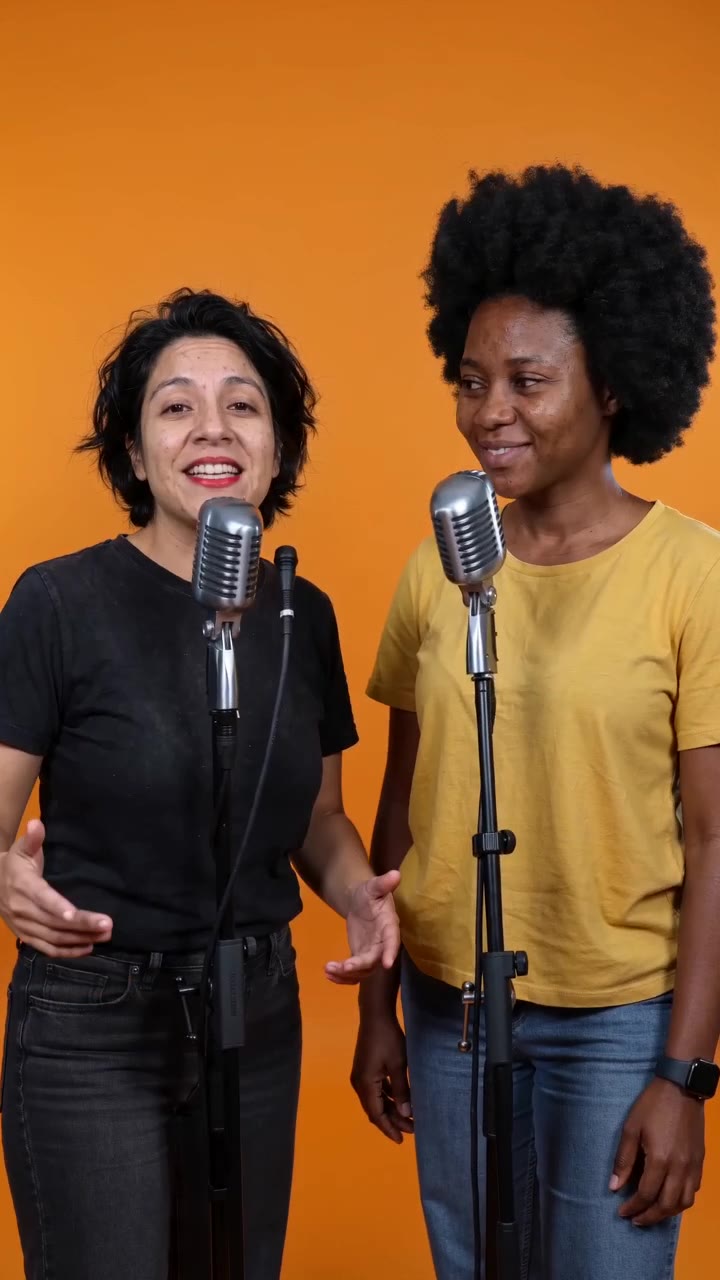
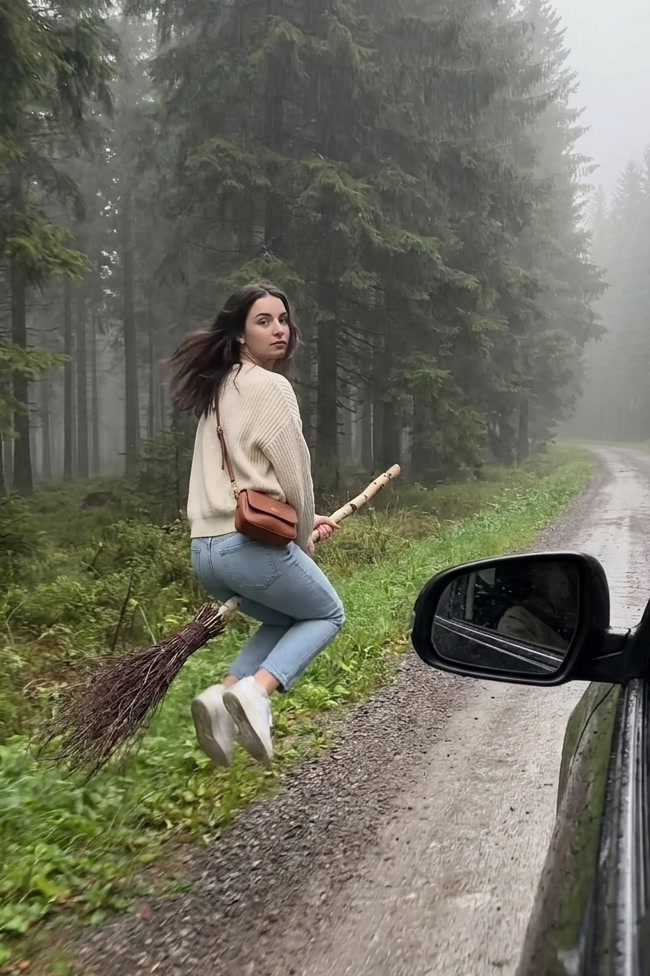
Upload one clear, front-facing photo. This person rides the invisible moped and performs the aerial flip.
Make the Crazy Frog AI trend from 1 or 2 photos: you squat on an invisible moped, get chased by a futuristic hover-bike cop, and flip in mid-air before racing away. 15-second 16:9 comedy chase.
7 AI video samples show the chase motion. Additional scenes use concept images; your generated result will vary.
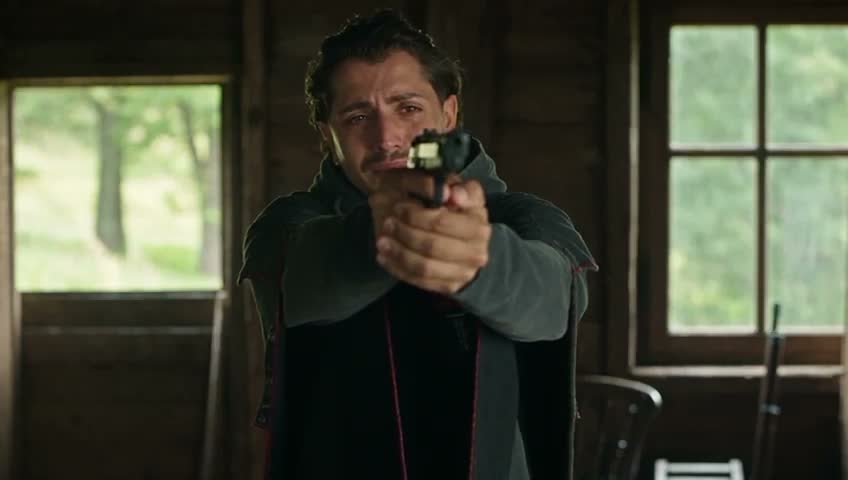
Photo 1 is the rider on the invisible moped; Photo 2 is the chaser on the hover-bike.
Looking for another viral style? Explore all 20+ viral AI trends →
Squat in mid-air. Flip over the hover-bike cop.
★ AI video sample · Results vary by photo and settingsUpload one clear photo to star as the rider. Optionally upload a friend as the chasing officer. Our Seedance reference engine preserves your face through every high-speed cut and mid-air flip.
Upload one clear, front-facing photo. This person rides the invisible moped and performs the aerial flip.
Choose One photo (solo rider) for an AI-generated chaser, or choose Two photos (Rider + Chaser) and upload both portraits to cast a friend as the chaser.
Select from 16+ viral chase environments (Snowy Mountain Pass, Mars Highway, Beach, Under the Sea, Desert Canyon, Toy Room, Cloud Kingdom, Overpass, and more) or upload your own custom background photo.
 THE MOODBOARD / 001
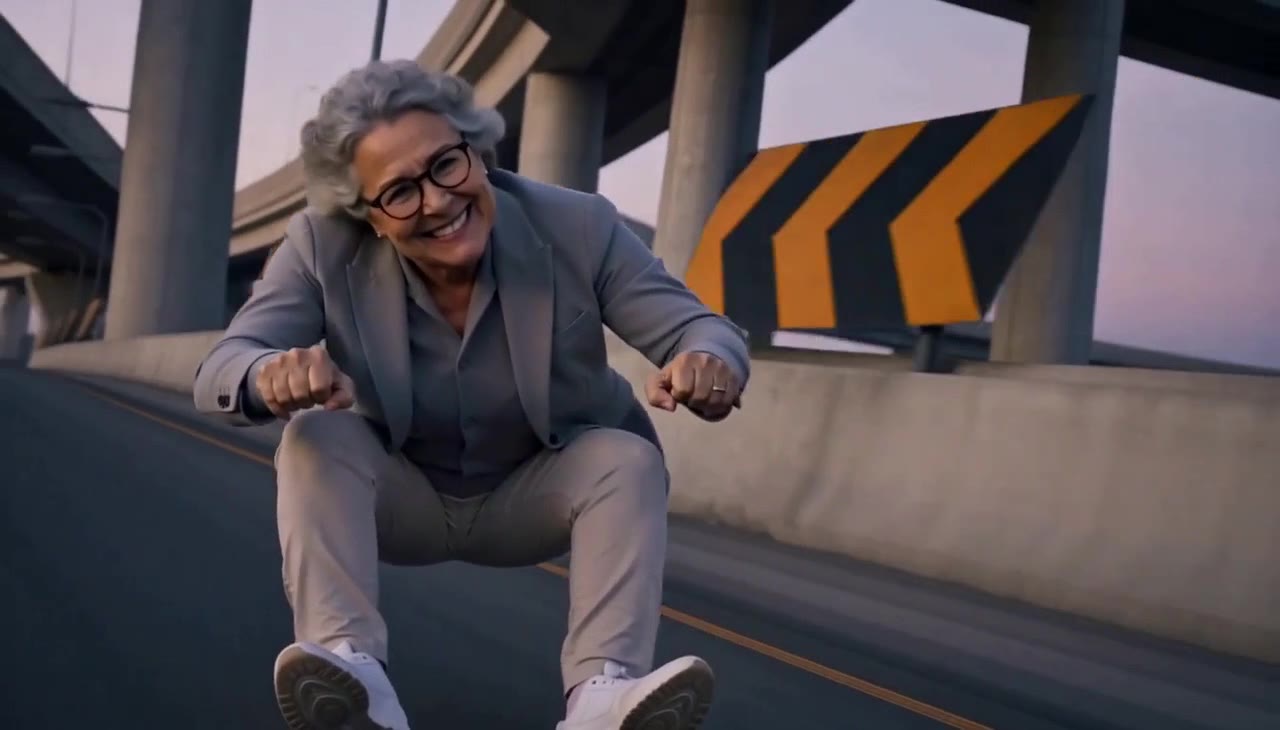
The Crazy Frog AI trend is a viral wave of comedy chase videos where a real person holds an impossible deep squat over the asphalt, fists forward on invisible handlebars, while a futuristic police hover-bike closes in behind. The rider glances back, flips in mid-air, lands in the exact squat, and speeds away.
The gag borrows the iconic imaginary-moped pose and high-energy throwback sound associated with Crazy Frog, while putting real people in the action. Seedance uses your uploaded photos and the selected scene prompt to generate a new chase. Camera angles, cut timing, facial likeness, and stunt execution can vary between renders.
Buy once, create on demand. Each 15s 720P video uses 180 credits.
50 credits for one 8-second video at 480P. For effects supporting 8s; longer videos and HD need more credits.
100 credits. One 15s 720P video needs 180 credits; this pack alone is insufficient.
200 credits: 1 complete video at 180 credits each + 20 leftover credits.
500 credits: 2 complete videos at 180 credits each + 140 leftover credits.
Updated October 17, 2026
THE SHORT ANSWERMake the Crazy Frog AI trend with 1 or 2 photos: you squat on an invisible moped, get chased by a hover-bike cop, and flip in mid-air before speeding away. Generates a 15-second 16:9 video in minutes.
Do the Burning Bridges AI party clip, the Zombie Couple AI reunion, the Zombie Love Story choice, or browse every AI video effect.
Questions about your video?
support@burningbridges.video
Upload one clear photo for the rider, optionally add a friend as the chaser or upload your own custom background photo, select your scene from 16+ environments, and tap Generate. You get a 15-second 16:9 video with the invisible-moped squat, hover-bike chase, and mid-air flip.
One photo is enough for solo mode: you become the rider and an AI patrol officer chases you. In duo mode, add a second photo to cast a friend on the hover-bike. Or select "Your Custom Background" to upload your own room or landscape photo as the chase setting.
Yes. You do not need CapCut, green screens, timeline slicing, or keyframing. With our browser-based AI video generator, you simply upload your photos, choose your scene, and our AI renders the full choreographed chase sequence in about 2–3 minutes, ready to export and post.
Yes. While competitor sites often lock users into rigid recurring subscriptions and limit scene variety, Burning Bridges provides 16+ diverse chase scenes (Snowy Mountain, Mars, Under the Sea, Desert Canyon, etc.), custom background photo upload via Seedance multi-modal reference, affordable one-time credit packs starting at $9.90 with credits that never expire, and automatic refunds on failed renders.
When you select "Your Custom Background", the multi-modal generation pipeline combines your rider portrait (Photo 1) with your custom room, street, landmark, or landscape photo (Photo 2). SeeAPI Seedance-2.0 extracts the 3D geometry, lighting, surfaces, and color palette of your custom setting while placing your rider in the authentic invisible-moped chase choreography.
Crazy Frog AI is powered by SeeAPI Seedance reference-to-video foundation models (Seedance-2.0 for 720P Standard and Seedance-2 Mini for 480P Fast). Your photos guide the rider and chaser identities, while a scene prompt describes the chase and aerial flip. The preview video is not supplied as a motion reference, so exact choreography and camera timing may vary.
The viral trend was originally created in horizontal 16:9 widescreen with a 15-second duration to capture the complete action movie chase: the deep squat acceleration, the police hover-bike pursuit, the 360-degree mid-air flip, and the speed getaway. Vertical 9:16 is also supported for creators seeking full-screen mobile immersion, and 8s/10s durations are available.
No. The trend uses the imaginary-moped pose, stunt choreography, and throwback chase energy, but the video stars real people from your photos rather than the animated frog character.
The original Crazy Frog / Axel F recording is not included. Generated audio may vary. Add your preferred trend sound in TikTok or Instagram Reels after downloading.
Generating a video uses credits depending on your chosen resolution and duration. For example, a 15-second 480P Fast video is 90 credits, and 720P Standard is 180 credits. You can start with our $9.90 one-time credit pack (100 credits) or $14.90 (200 credits). Packs have no recurring monthly billing and credits never expire.
Use a clear, front-facing portrait with the whole face and expression visible. Avoid sunglasses or heavy motion blur for the rider so the tracking close-up and aerial flip stay photorealistic.
100% of credits are automatically refunded immediately whenever a generation fails or is rejected by safety filters. You can check task status anytime under My videos or contact support@burningbridges.video.