
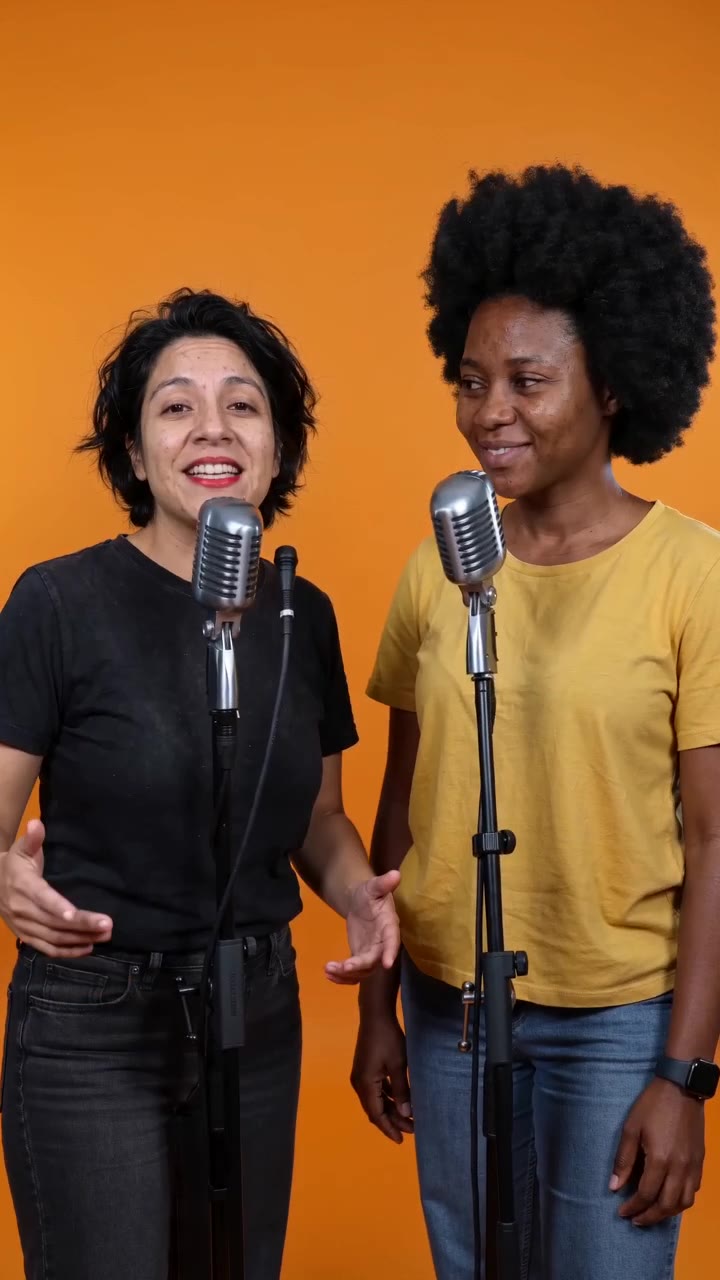
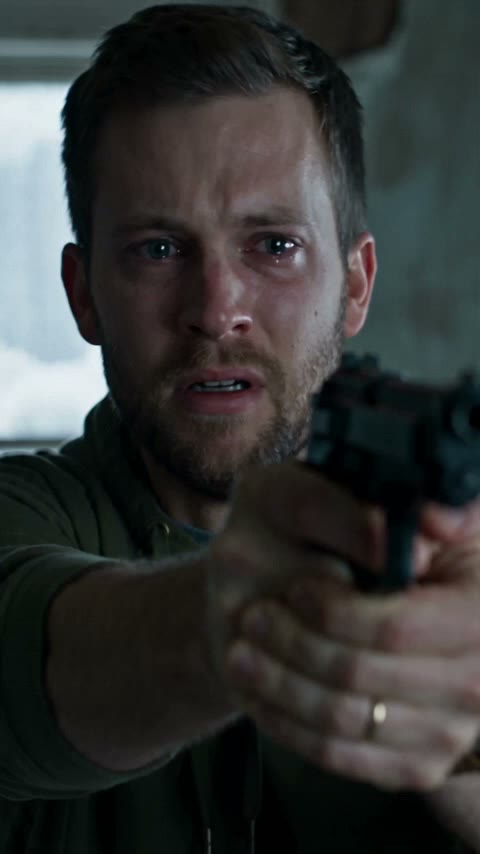
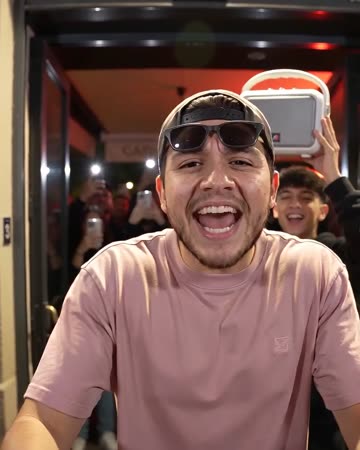
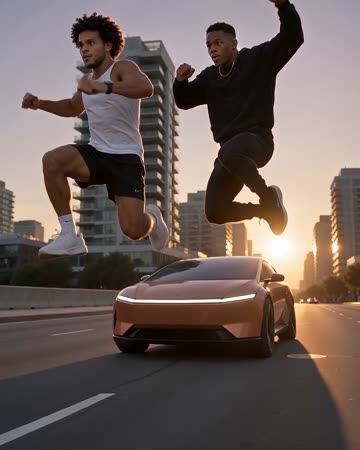
01
Bring your best photo
Upload a clear portrait. Keep your face visible and your outfit in frame—the photo is the starting point for your character.
Pick the trend, upload your photo (or one of each person), and get the viral clip in minutes: Burning Bridges, Hotel Lobby, Raindance, Car Jump, Zombie Hug and more. No app needed.
One adult, waist-up, face clearly visible. Good lighting makes a difference.
Scene mood and celebratory energy are tailored around what you type. Leave empty for general vibe.
Every viral trend. One photo. No editing app.
★ Real AI generated video sample · Seedance 2.5 HDNo CapCut editing, manual timeline slicing or blank prompt boxes required.
Just upload one photo—AI renders the complete 8-second choreographed scene.
Upload a clear portrait. Keep your face visible and your outfit in frame—the photo is the starting point for your character.
The template sets the room, lighting and sequence of gestures using the Seedance-2 model. Choose 480P or 720P and start the render.
Find the completed MP4 in My videos. Download it, pair with your favorite sound, and share your new scene.
 THE MOODBOARD / 001
Social media trends move fast. From the opulent Burning Bridges chandelier party entrance to the orange booth Migos rap and the flying desert SUV stunt, creators are transforming ordinary photos into cinematic spectacles.
Instead of installing five different apps or struggling with complex CapCut templates, our studio brings all top-tier viral trends under one roof with 1-click photo generation.
Buy once, create on demand. Standard videos use 100 credits.
100 credits: 2 videos at 480P or 1 at 720P.
200 credits: 4 videos at 480P, 2 at 720P or 1 at 1080P.
500 credits: 10 videos at 480P, 5 at 720P or 2 at 1080P.
Secure checkout with Stripe. Standard videos use 100 credits.
Failed renders automatically refund unused credits. Need help? Contact support@burningbridges.video.
Questions about your video?
support@burningbridges.video
Choose the viral trend you want on this page (Burning Bridges, Earth Zoom Out, Hotel Lobby, Ceiling Fan, etc.), upload your photo, and tap Make the effect. When the render completes in a few minutes, download the MP4 file and post it to TikTok.
There isn’t just one app—creators traditionally string together complicated prompt tools, Midjourney, Kling, or custom CapCut templates. Our web studio eliminates the complexity: all major trending scenes are built right into the browser with zero software installation required.
Our export is a vertical 9:16 MP4. When uploading to TikTok or Instagram Reels: tap "Add Sound", search for the trending track (such as the viral Burning Bridges audio or dembow beat), select it, and set the original video clip volume to zero or your preferred mix. This ensures your post gets indexed by TikTok’s trending sound algorithm.
Modern diffusion video models take a reference face from an ordinary smartphone photo and choreograph it into a pre-structured 3D scene with realistic lighting, clothing physics, and camera motion.
Select the "Hug Your Younger Self" template on this page, upload one photo of you today and one childhood picture, and the AI renders the two of you embracing inside a nostalgic Polaroid frame.
Because high-definition AI video requires dedicated GPU compute, generation uses credits (100 credits for 720P Standard). One-time credit packs start at $9.90, require no monthly subscription, never expire, and failed tasks automatically refund your credits.
Only with their express consent, or family photos you have the right to animate. Never create deceptive impersonations or upload non-consenting imagery.