
AI Video Effects & Viral Templates
Transform a single photo into trending TikTok dances, chandelier party entrances, luxury rap soundstages, and cinematic desert stunts. No CapCut editing or prompt engineering needed.
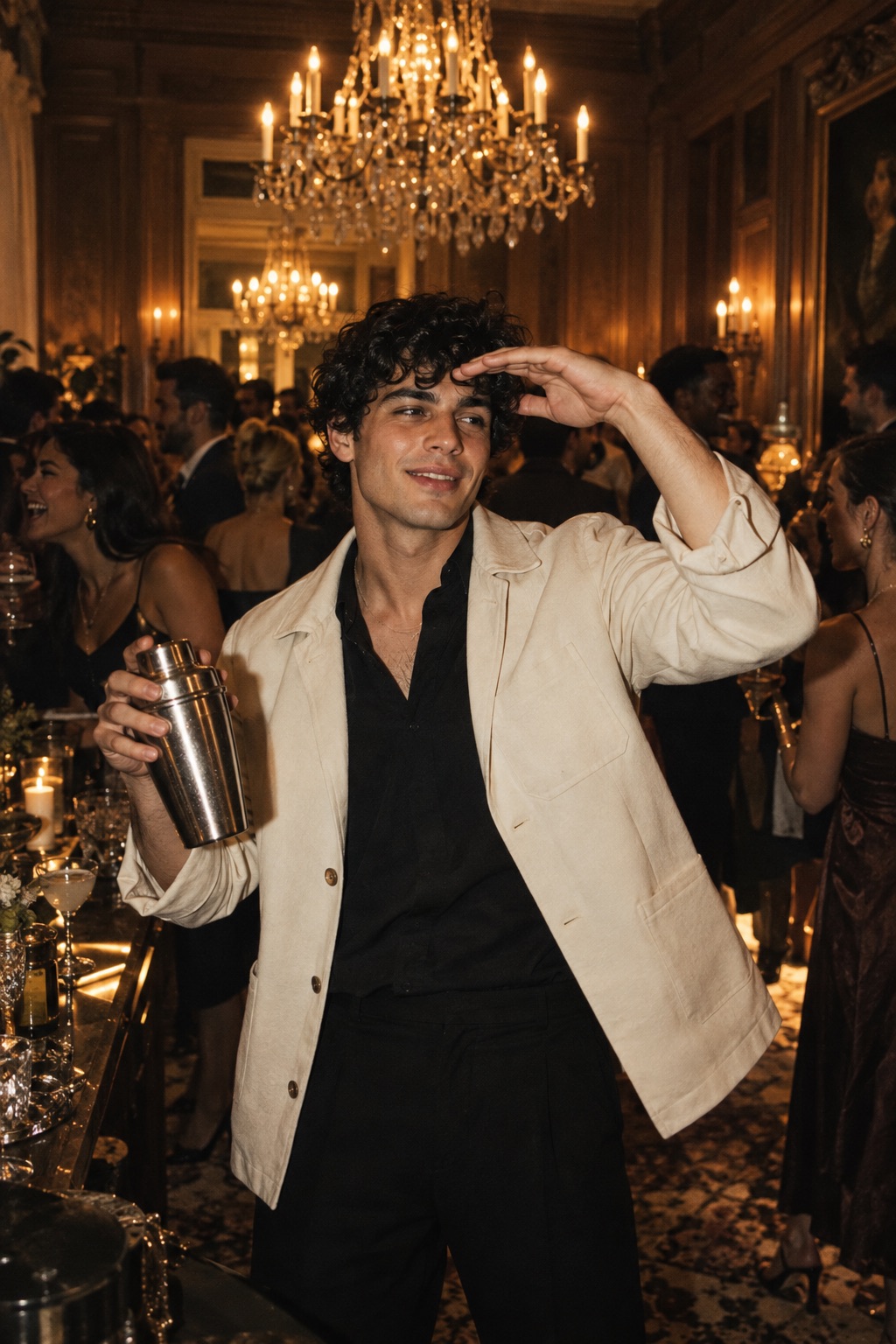 ONE PHOTO · NO FILMING
Burning Bridges AI
Your photo. Your moment.
Try this effect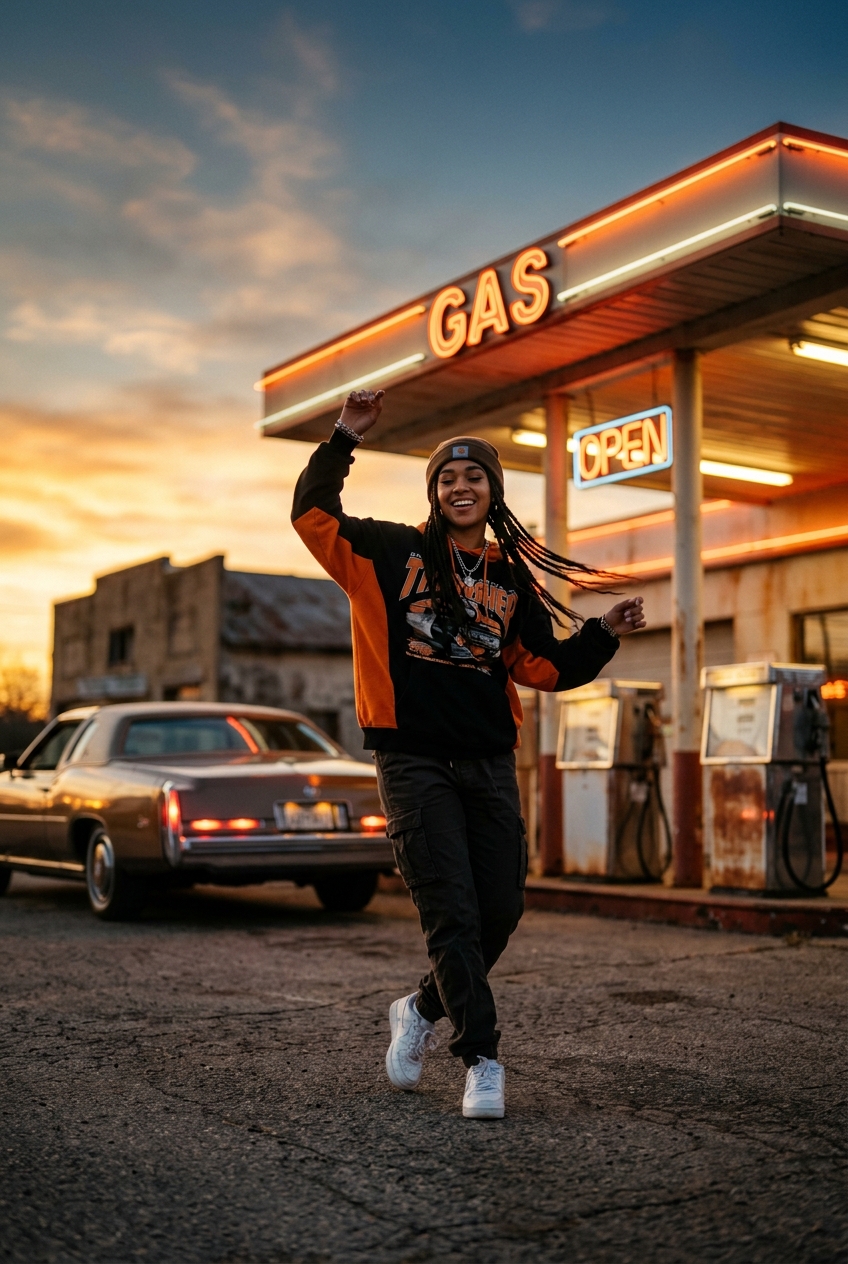 ONE PHOTO · CINEMATIC CHOREO
Gas Station AI Trend
The forecourt dance. Your face.
Try this effect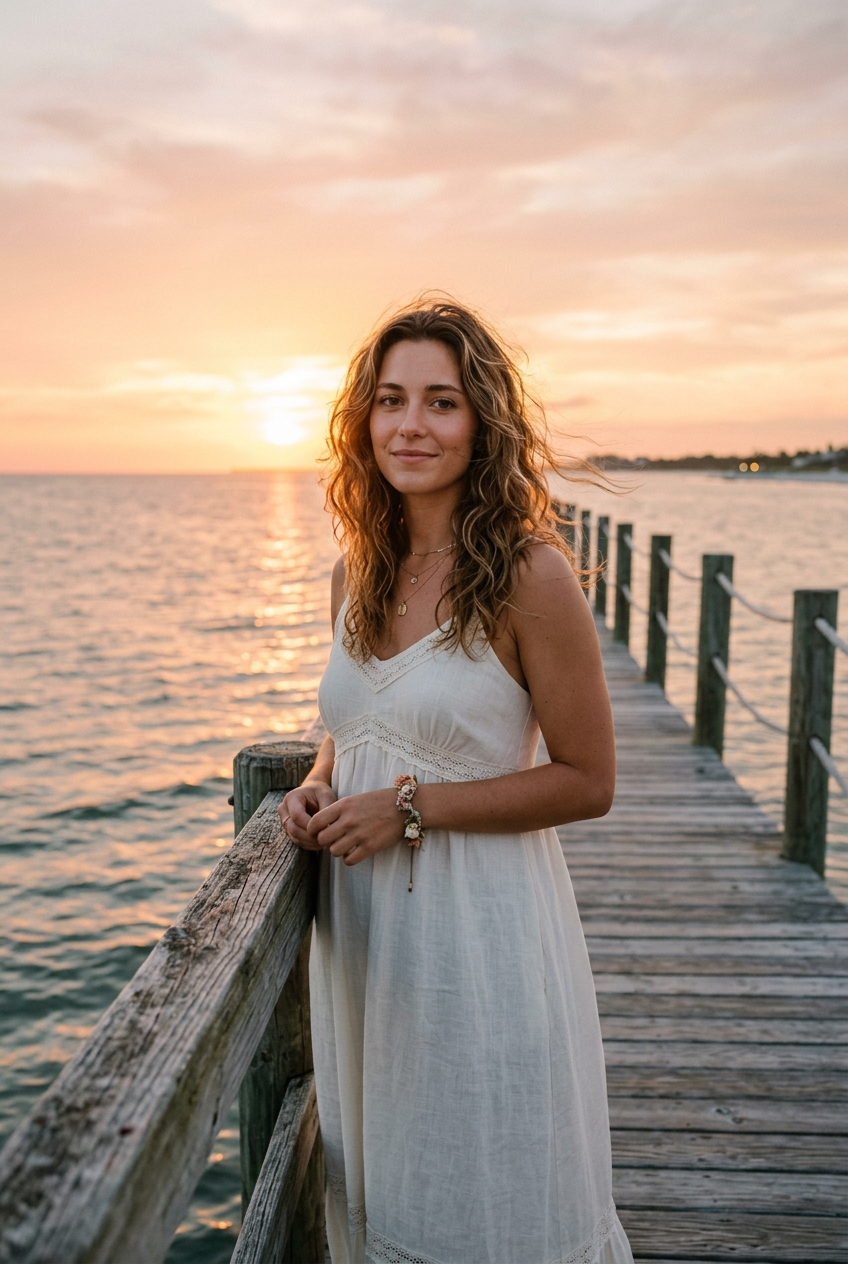 SOLO OR COUPLE · SEASIDE AESTHETIC
Raindance AI Trend
Seaside vibes. Heartfelt emotion.
Try this effect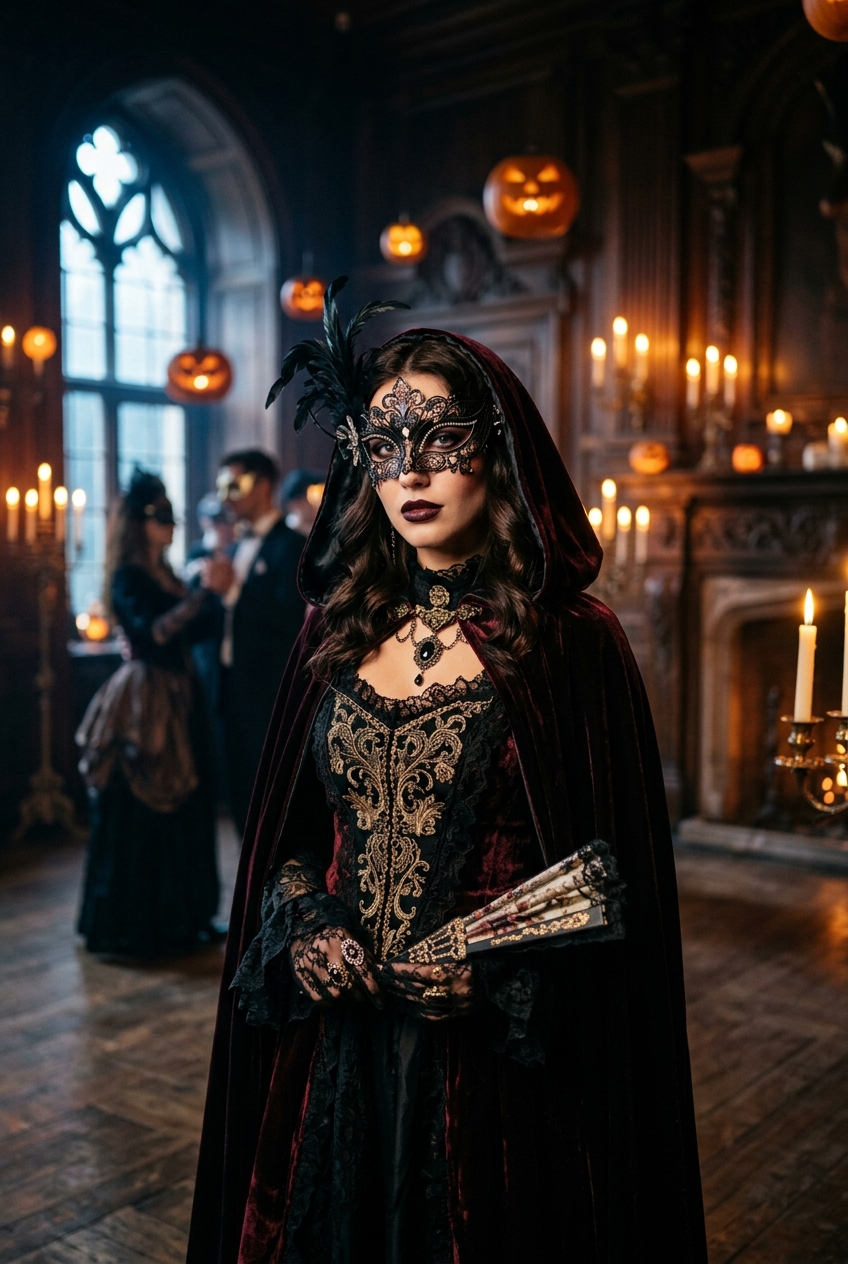 ONE PHOTO · HALLOWEEN MAKEUP & COSTUME
AI Halloween Costume
Instant viral spooky makeover.
Try this effect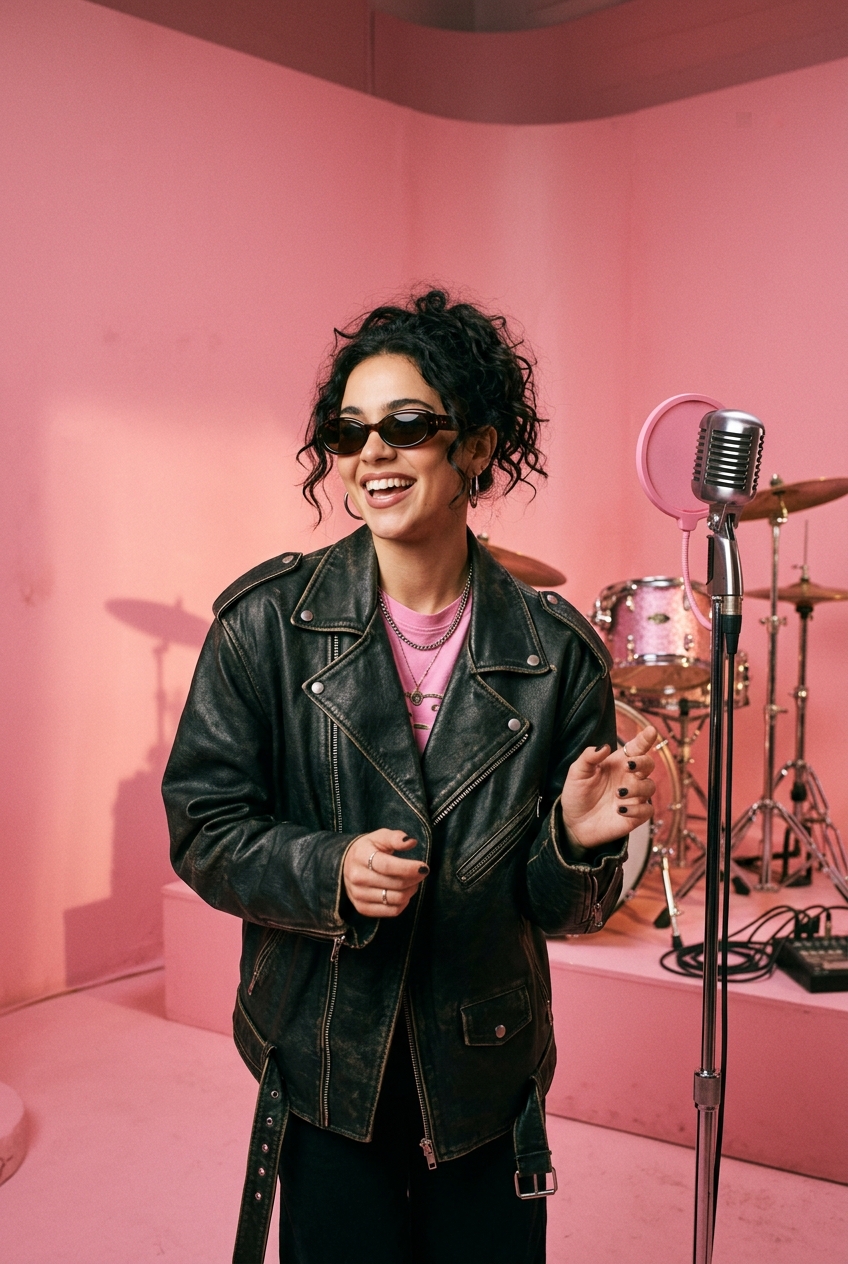 ONE PHOTO · RETRO PINK STUDIO
APT Pink Studio AI
Monochromatic pink. Pop-star charisma.
Try this effect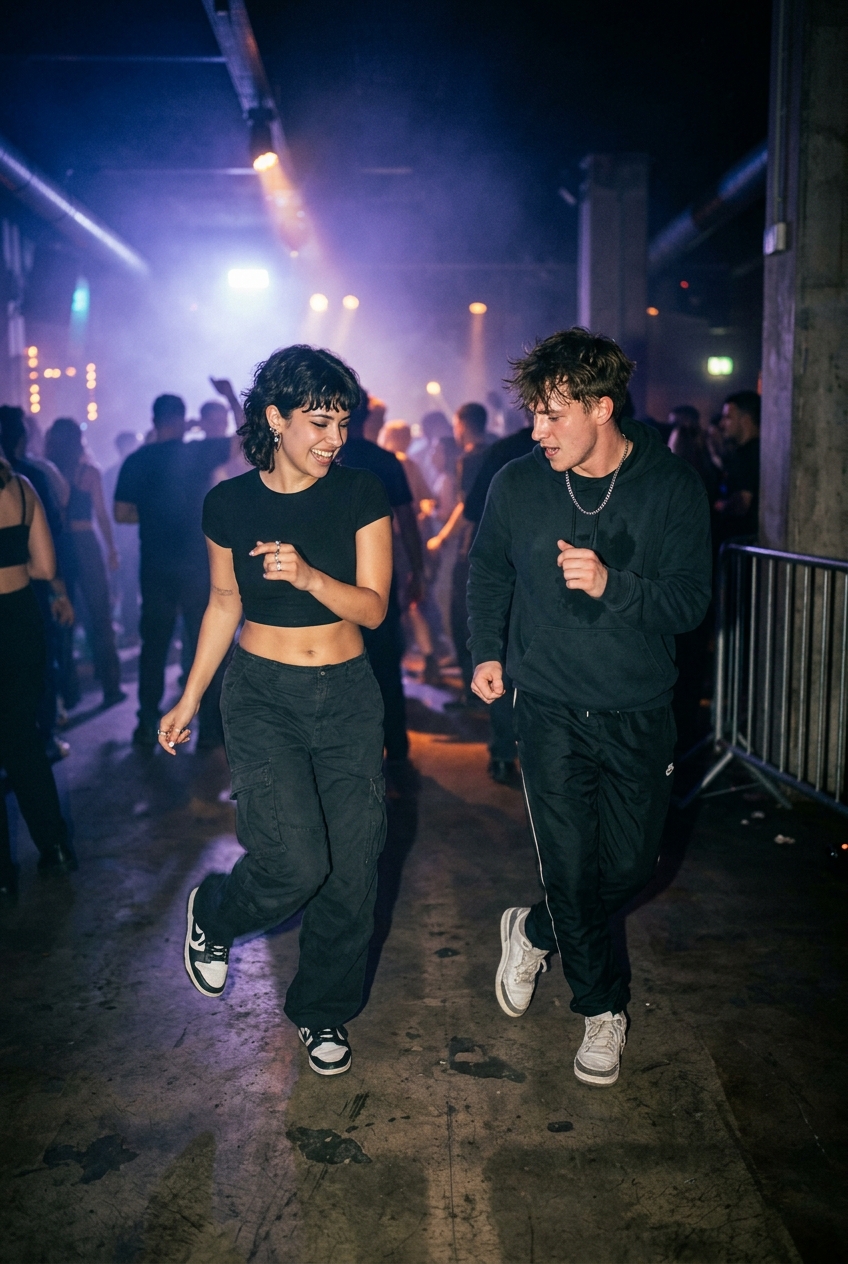 TWO PHOTOS · DUO SHUFFLE DANCE
Alors On Danse AI Video
Synchronized duo shuffle. Two photos or one.
Try this effect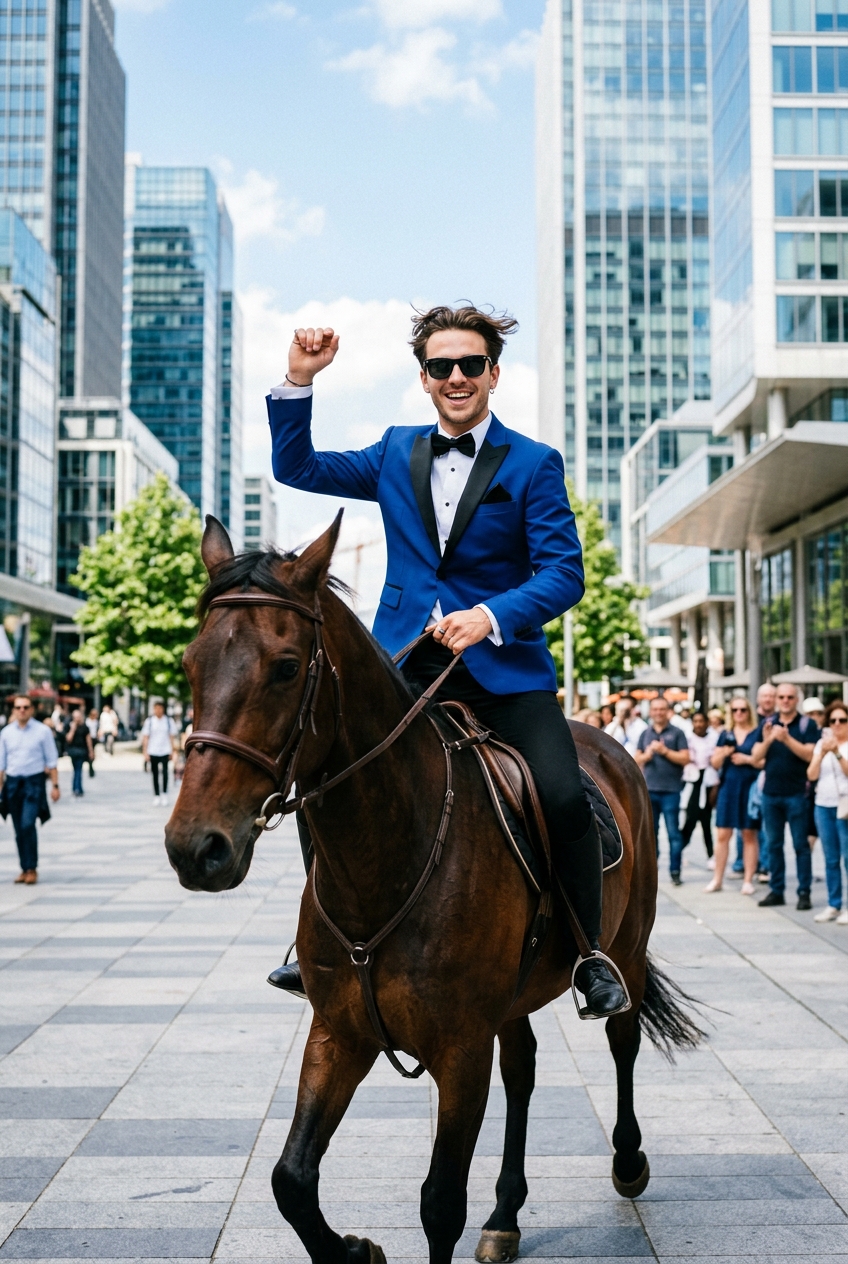 ONE PHOTO · HORSE-RIDING DANCE
Gangnam Style AI
Tuxedo, sunglasses & boundless energy.
Try this effect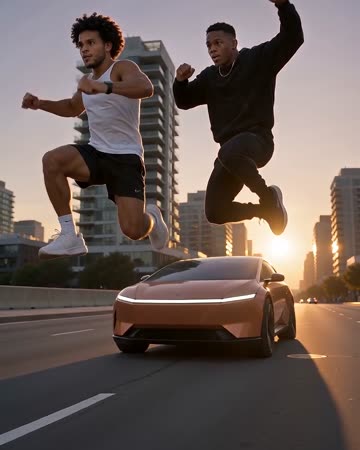 ONE PHOTO · ACTION MOVIE STUNT
Car Jump AI Stunt
Unflinching in the dunes. SUV flies overhead.
Try this effect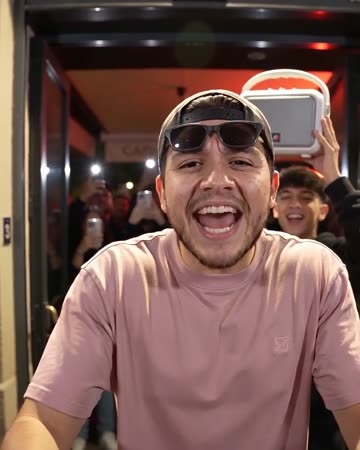 ONE PHOTO · STREET FREESTYLE CHOREO
Bulin 47 AI
The street freestyle. Your photo.
Try this effect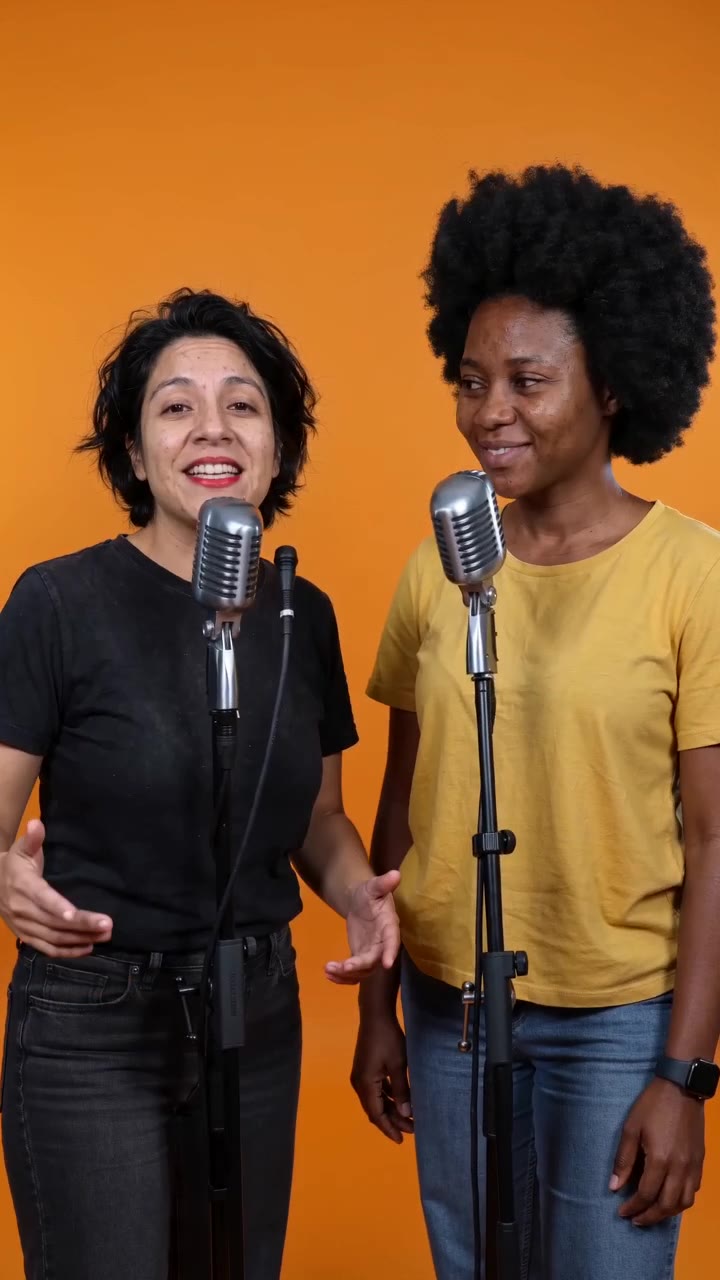 ONE PHOTO · ORANGE BOOTH RAP
Hotel Lobby AI Video
The viral orange booth. Your face.
Try this effectTWO PHOTOS · ORIGINAL RAP DUOMigos AI Video Generator
The viral Quavo & Takeoff rap duo. Your faces.
Try this effect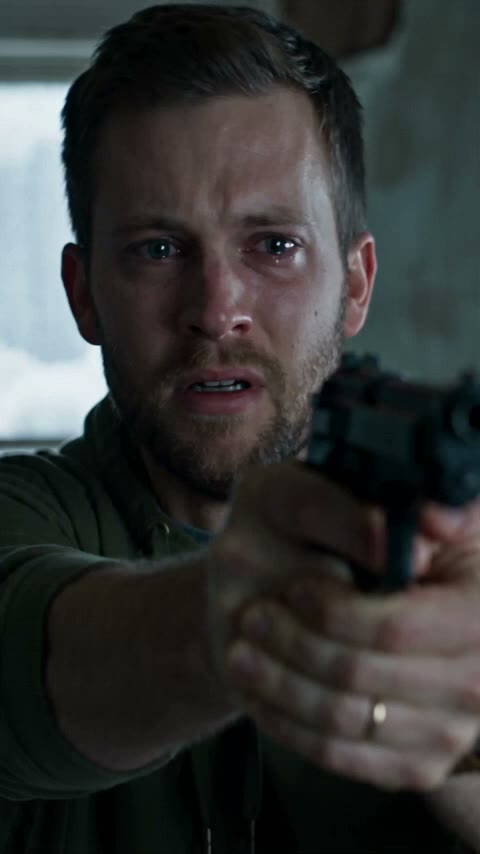 TWO PHOTOS · CHOICE STORY
Zombie Love Story AI
The viral apocalypse choice. Your faces.
Try this effect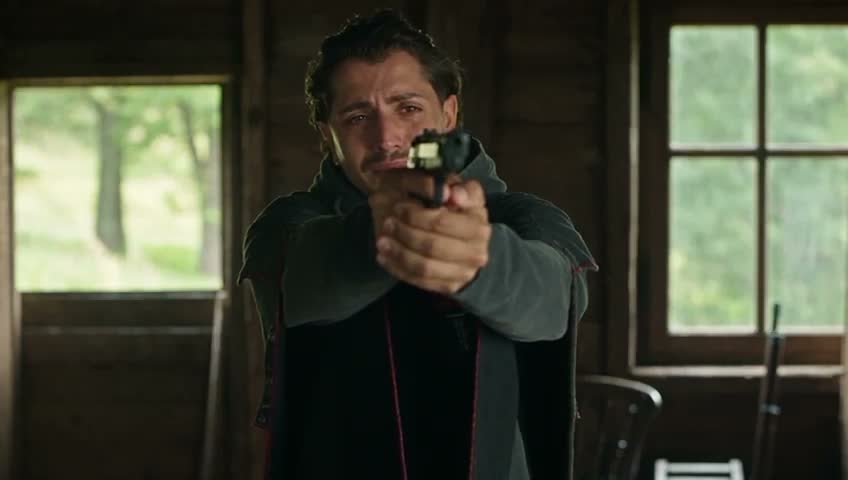 TWO PHOTOS · COUPLE LOVE STORY
Zombie Couple AI Video Generator
Try this effect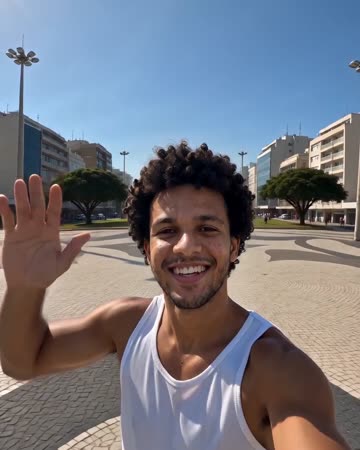 ONE PHOTO · CONTINUOUS ZOOM-OUT
Earth Zoom Out AI
From a city plaza to the whole planet.
Try this effect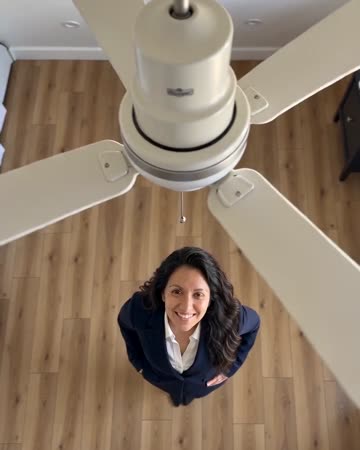 ONE PHOTO · TOP-DOWN FASHION TRANSITION
Ceiling Fan Outfit Change AI
Spinning fan blades. A new outfit every pass.
Try this effect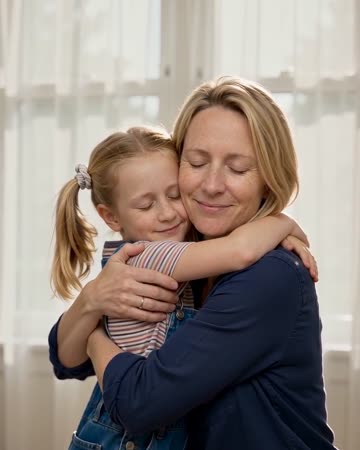 TWO PHOTOS · POLAROID MEMORY
Hug Your Younger Self AI
You, then and now. Reunited in a warm embrace.
Try this effectONE PHOTO · ZERO EDITINGMake an AI Video of Yourself
Turn any portrait into a viral video in minutes.
Try this effect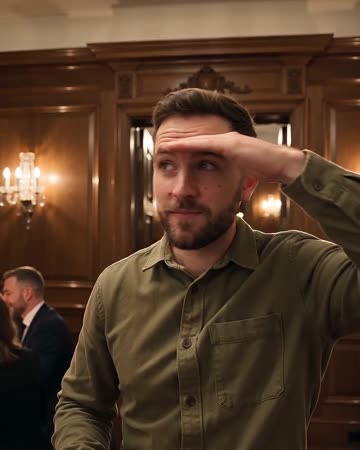 OCTOBER 2026 TRENDS · 1-CLICK STUDIO
How to Do the AI Trend on TikTok
Every viral trend. One photo. No editing app.
Try this effect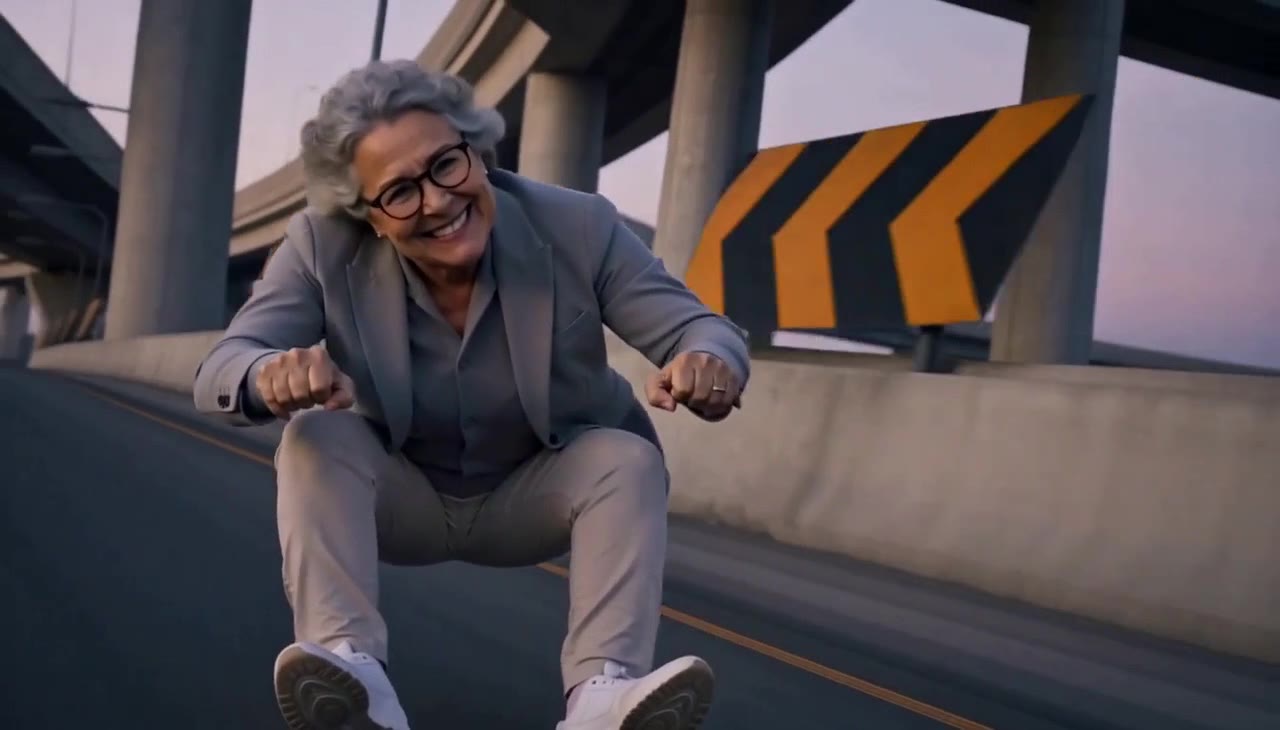 1–2 PHOTOS · 15S CHASE
Crazy Frog AI Trend
Squat in mid-air. Flip over the hover-bike cop.
Try this effect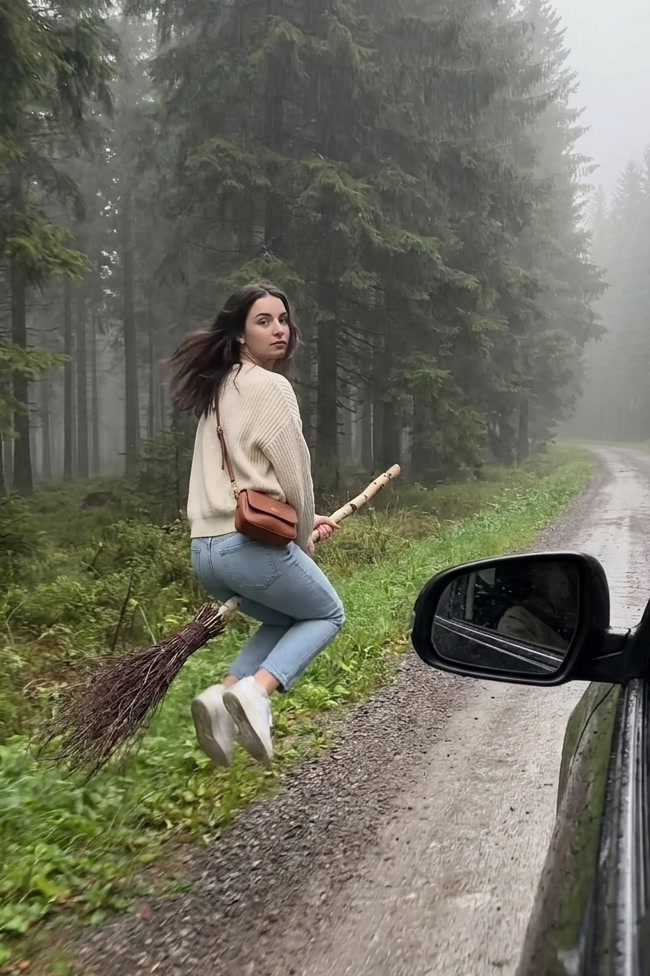 ONE PHOTO · 10S VERTICAL CLIP
Witch Flying on Broom AI Video Generator
Walk beside a rolling car, hop on the broomstick, and soar into the sky. From one photo.
Try this effect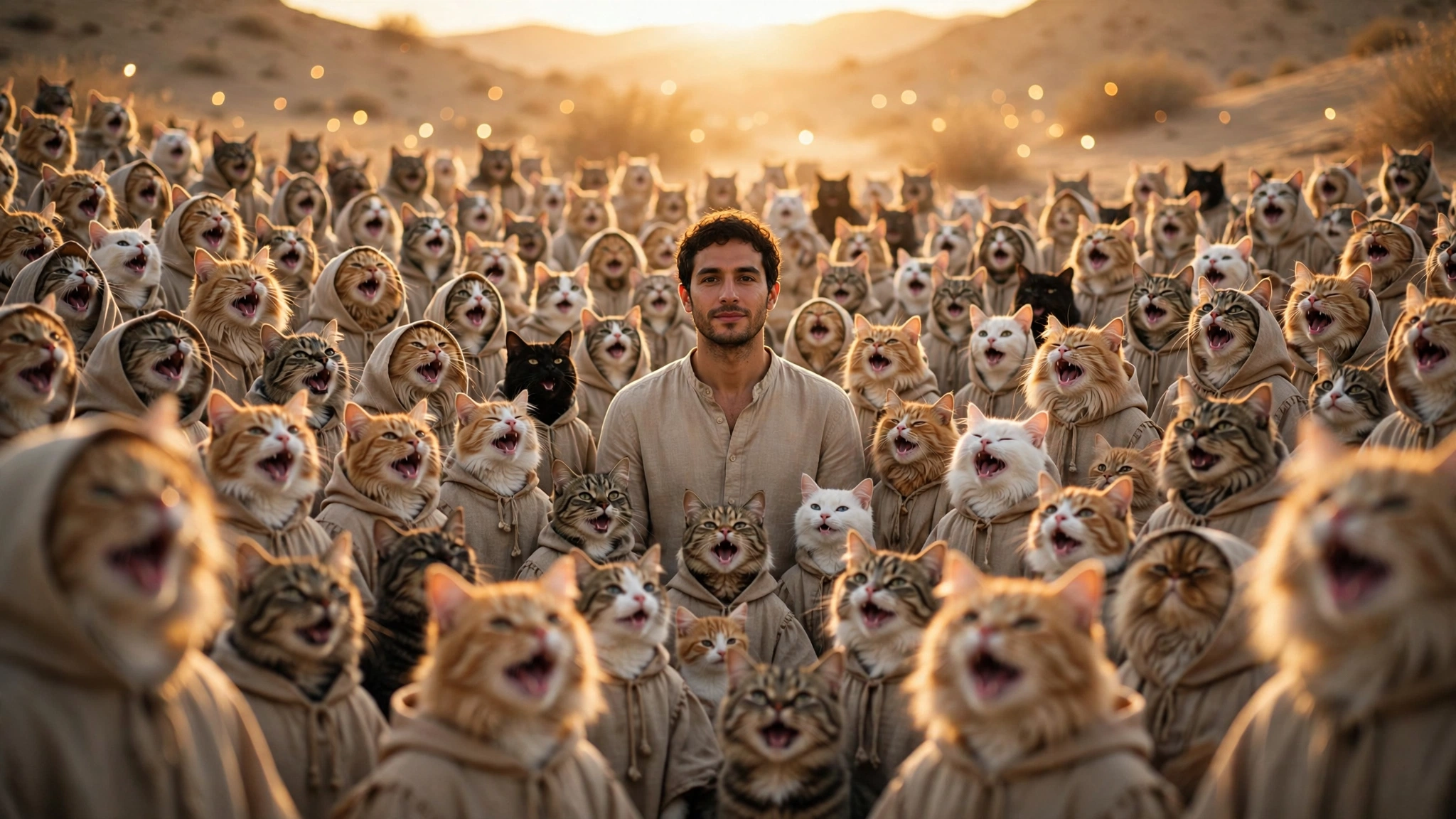 ONE PHOTO · GOSPEL CHOIR SCENE
Closed on Sunday AI
The gospel choir. Your photo.
Try this effect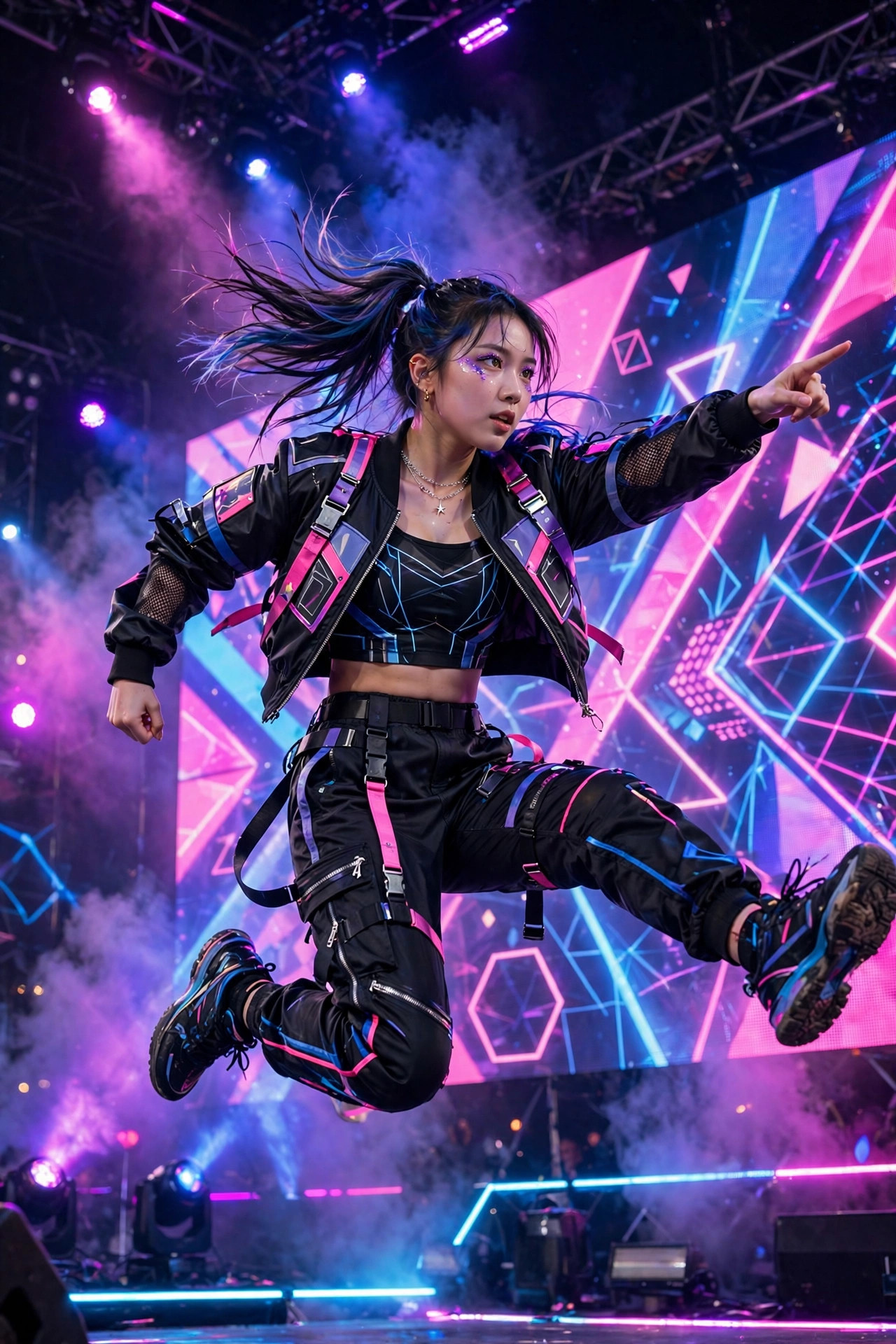 ONE OR TWO PHOTOS · NEON STAGE
A2O LITE AI Dance
Neon stage energy. Solo or duo.
Try this effect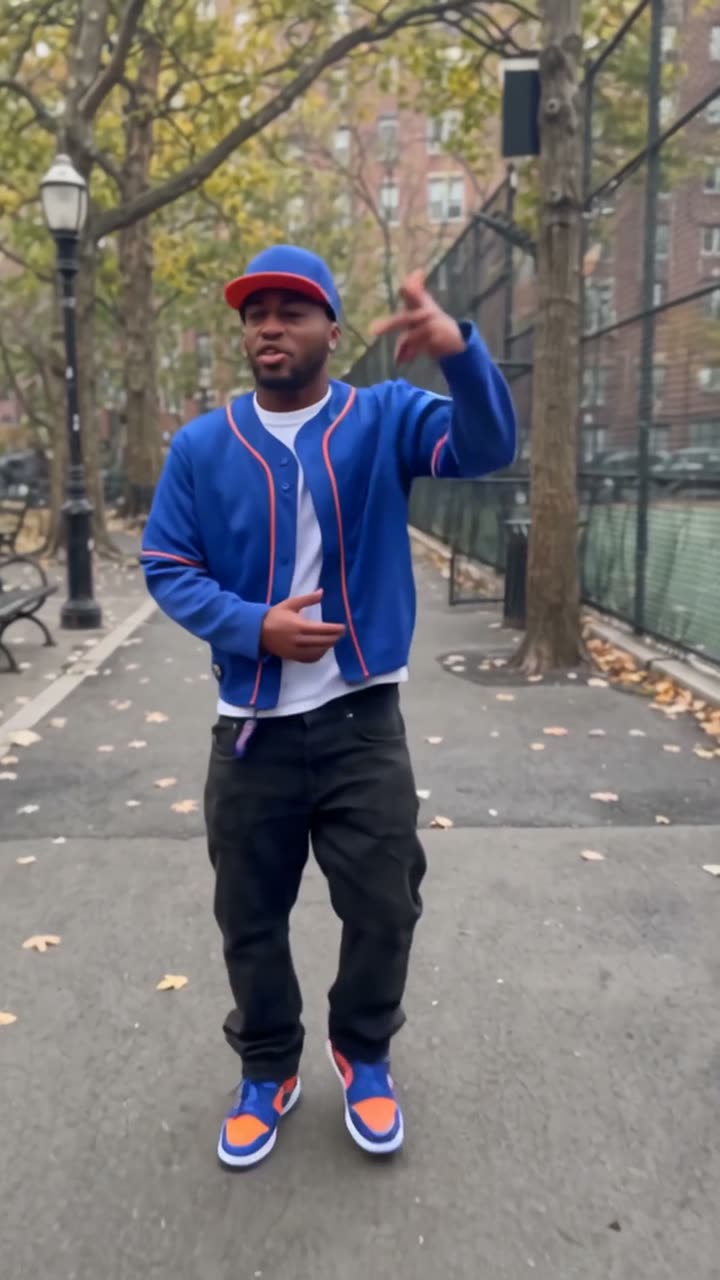 1 PHOTO · 15S FULL STORY · NO WATERMARK
Fergie Baby AI Video Generator
Do Harlem rapper Fergie Baby's viral walk from one photo.
Try this effectThree simple steps to create any effect
No prompt engineering, manual keyframing, or timeline splicing required.
Just upload one photo and let Seedance-2 generate the complete scene.
1. Select Your Effect
Browse our catalog of 10+ viral templates—from party entrances to street rap booths and stunts.
2. Upload One Portrait
Upload a clear portrait or selfie. The AI preserves your facial identity and style automatically.
3. Render & Share
Choose an 8, 10, or 15-second video. Download the finished MP4 for TikTok or Reels; rendering time varies.
AI Video Effects
Frequently Asked.
Questions about any effect?
support@burningbridges.video
How do I create an AI video effect from a photo?+
Pick an effect, upload the photo or photos it requires, choose 8, 10, or 15 seconds and your preferred format, then tap Generate. The AI renders a complete choreographed scene ready to download and post to TikTok or Instagram Reels.
Which video effects and trends are included?+
Our library features viral trends: Witch Flying on Broom forest takeoff, Crazy Frog invisible moped chase, Burning Bridges chandelier entrance, Zombie Love Story apocalypse reunion, Hotel Lobby (Migos) bright orange rap booth, Bulin 47 Dominican street freestyle, Car Jump slow-motion desert leap, APT Pink Studio pop dance, Gas Station sunset dance, and more.
Does it work with just a single photo?+
Witch Flying on Broom uses one portrait. Crazy Frog supports one rider portrait in solo mode or two portraits in duo mode. Other effects have their own photo requirements, shown in the studio.
What resolution and format are outputted?+
Videos are rendered in MP4 format in 9:16 vertical (ideal for TikTok and Reels) or 16:9 widescreen, with 480P, 720P, and 1080P options. Crazy Frog defaults to 15 seconds in 16:9; Witch Flying on Broom defaults to 10 seconds in 9:16.
What happens if a video render fails?+
We have an automatic refund policy. If any generation fails or errors out, 100% of the credits used are immediately returned to your account balance.