
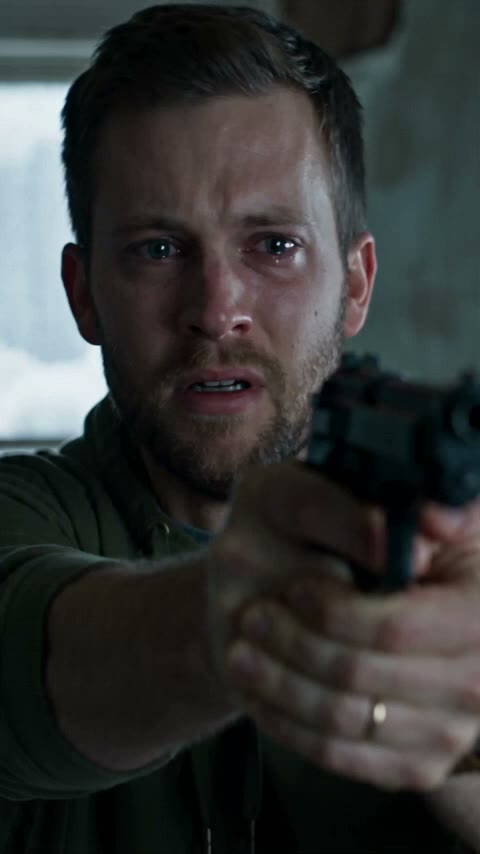
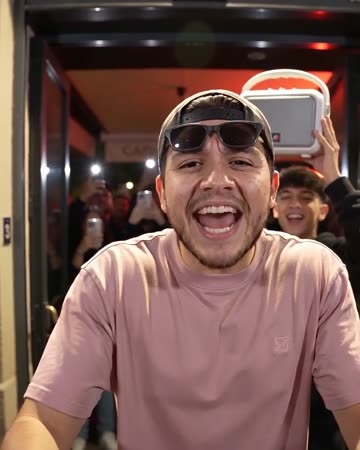
01
Bring your best photo
Upload a clear portrait. Keep your face visible and your outfit in frame—the photo is the starting point for your character.
Step out of the crowd and into the spotlight. Turn one photo into your own chandelier-party video—with the entrance, the attitude and the look.
Upload one clear portrait with the face visible. Use one person for this style; group photos are not supported.
Looking for another viral style? Explore all 20+ viral AI trends →
Your photo. Your moment.
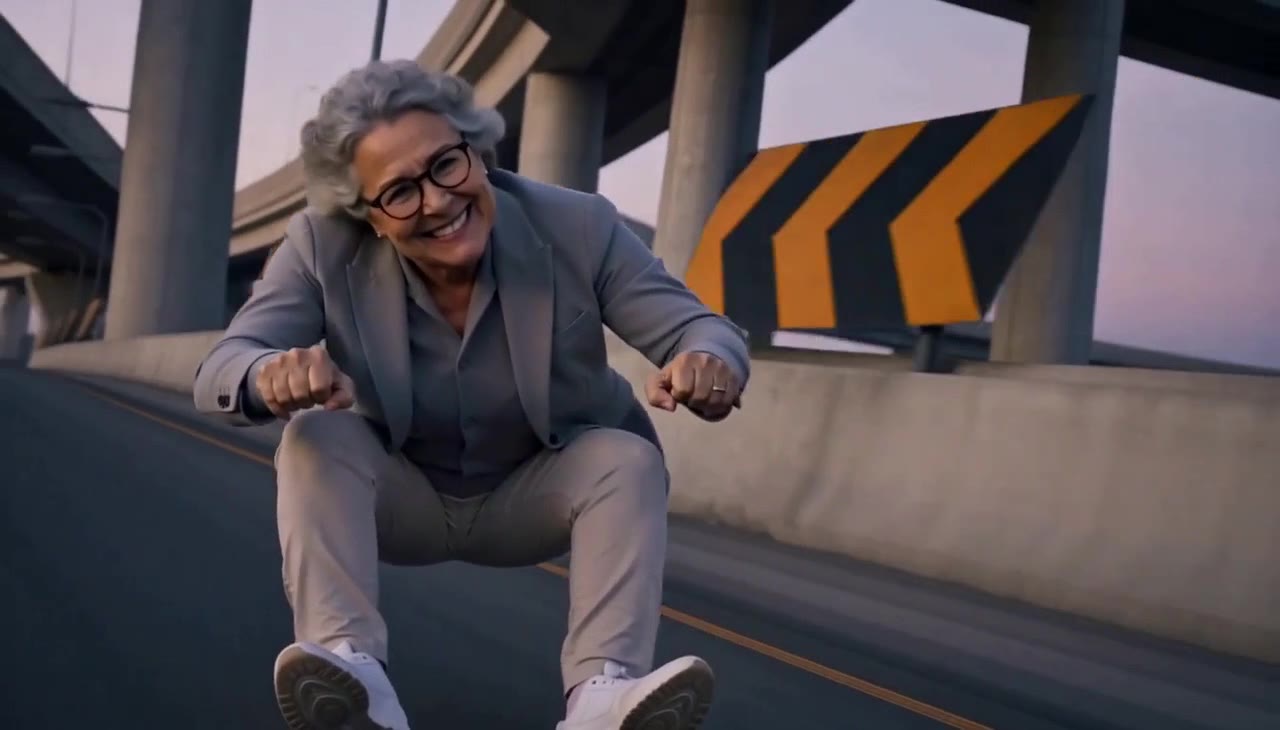
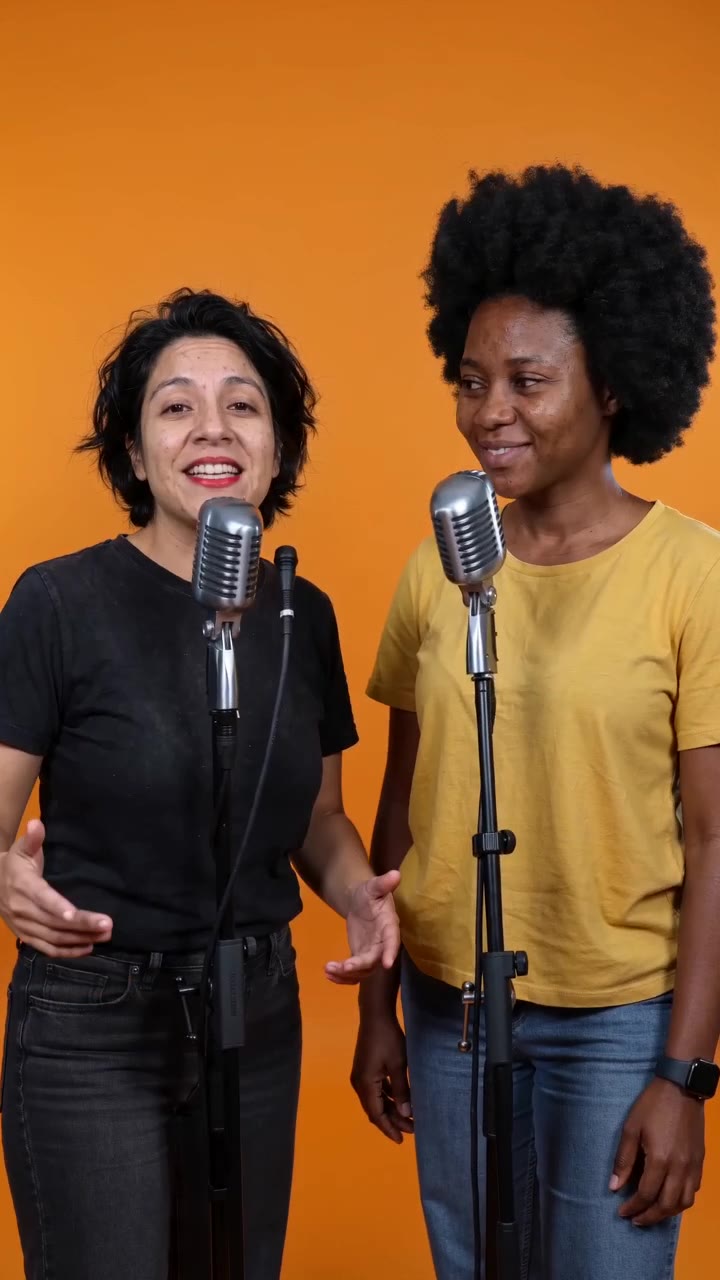
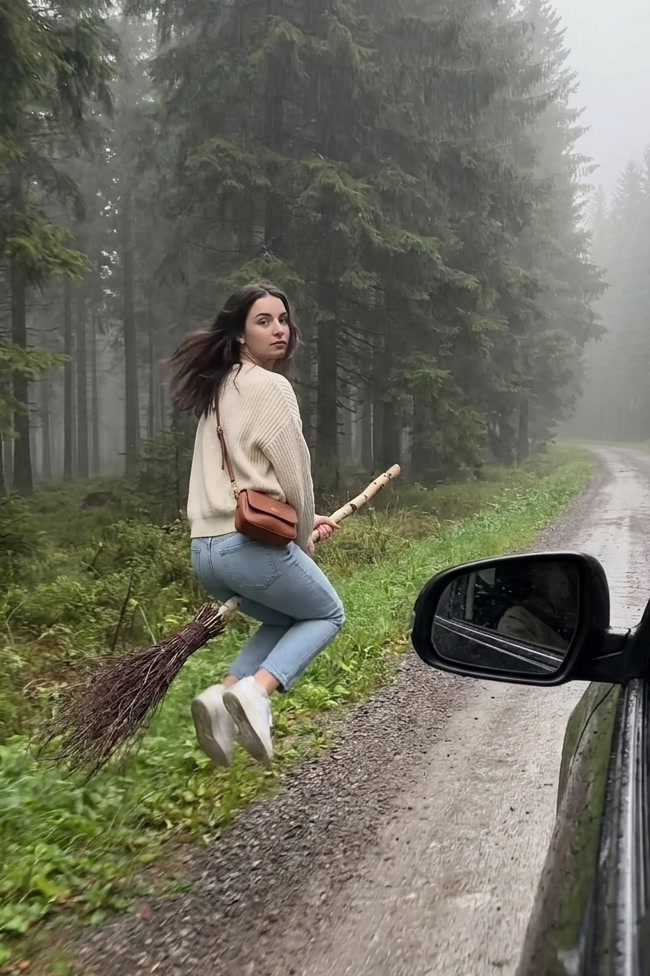
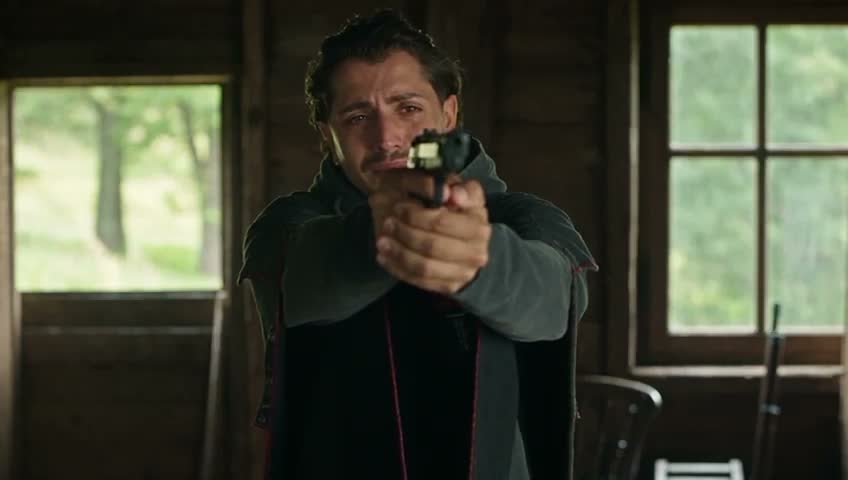
★ AI video sample · Results vary by photo and settingsNo CapCut editing, manual timeline slicing or blank prompt boxes required.
Just upload one photo—AI renders the complete choreographed scene in your chosen duration (8s, 10s, or 15s).
Upload a clear portrait. Keep your face visible and your outfit in frame—the photo is the starting point for your character.
The template sets the room, lighting and sequence of gestures using the Seedance-2 model. Choose 480P, 720P, or crisp 1080P, pick your duration (8s, 10s, or 15s), and start the render.
Find the completed MP4 in My videos. Download it, pair with your favorite sound, and share your new scene.
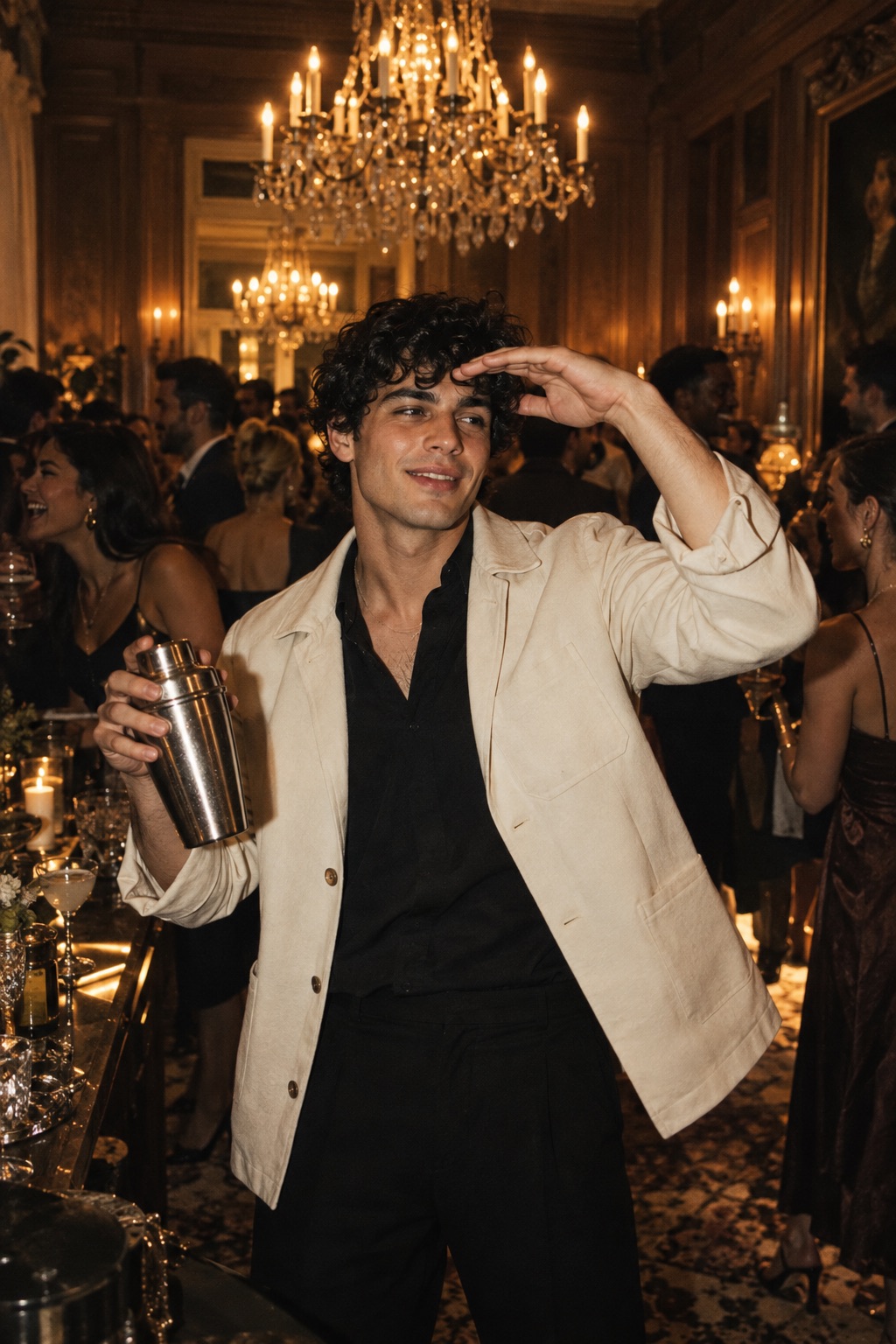 THE MOODBOARD / 001
The Burning Bridges AI trend is all about taking the lead in a lively chandelier-party scene. Think warm wood panels, a silver shaker, a confident walk toward the camera and that playful hand-over-the-eyes look.
Our photo-to-video template builds an original scene around you. The setting and gestures are guided, while each generation brings its own details. No music-video footage or licensed song is included.
Buy once, create on demand. Each 8s 720P video uses 100 credits.
50 credits for one 8-second video at 480P. For effects supporting 8s; longer videos and HD need more credits.
100 credits: 1 complete video at 100 credits each.
200 credits: 2 complete videos at 100 credits each.
500 credits: 5 complete videos at 100 credits each.
Questions about your video?
support@burningbridges.video
Burning Bridges AI turns a portrait into a short video inspired by the chandelier-party trend: a warm, crowded room, a confident entrance and the playful hand-over-the-eyes gesture. Our template generates a new scene around your photo.
Burning Bridges AI is powered by SeeAPI’s Seedance-2 (SeaDance) reference-to-video foundation models—Seedance-2 for 720P Standard and Seedance-2 Mini for 480P Fast. This advanced architecture accurately preserves your facial identity, lighting, and expressions while generating fluid, natural party choreography from just one reference portrait.
Each Burning Bridges AI video can be 8, 10, or 15 seconds long — you choose the duration in the studio. 8s captures the full choreographic climax (the confident walk out, shaker gesture, and playful hand-over-eyes look), while 10s and 15s give the scene more room to breathe. All durations are optimized for TikTok, Instagram Reels, and YouTube Shorts.
Yes. Traditional trend creation requires installing CapCut, searching for templates, manually slicing multiple photos, and syncing beat markers. With Burning Bridges AI, you don’t need CapCut or any video editing software—upload one photo in your browser, and our AI renders the complete choreographed scene in minutes, ready to export and post.
Burning Bridges AI provides greater flexibility, transparency, and value. Unlike platforms with rigid high subscriptions, we offer affordable one-time credit packs starting at $9.90 (with credits that never expire), a 480P budget option, automatic refunds if a generation fails, and crystal-clear watermark-free HD exports.
Sign in with Google, upload a clear photo of one adult, choose vertical or widescreen, and generate. The party prompt is already written. Your video appears in My videos when it is ready.
Use a sharp, well-lit JPG, PNG or WebP under 32 MB. Keep one person visible from the waist up, with an unobstructed face and room around their body. Avoid sunglasses, heavy filters and group photos.
Generating a video uses credits based on your resolution and duration: 480P (50–90 credits), 720P (100–180 credits), or 1080P (200–360 credits) for 8s, 10s, or 15s respectively. One-time credit packs start at $9.90 for 100 credits with no recurring subscription. Review the exact credit cost in the studio before submitting a generation.
No licensed song is included. You can add an available sound in TikTok or Instagram when publishing, subject to that platform’s music rules.
The template guides the setting and gestures, but AI results vary. This is a newly generated scene, not an exact motion transfer or a guaranteed frame-by-frame recreation.
Credits are returned automatically when the video provider confirms a failed render. A slow or interrupted request is checked before it is treated as a failure. Contact support at support@burningbridges.video if a task needs review.
Only upload photos you own or have permission to use. The template is designed for one adult. Do not create deceptive impersonations or upload intimate or harmful content.
Credits never expire. Generated videos and uploaded photos remain accessible in your account so you can view and download them anytime. However, our download feature is not a permanent archival storage service—we recommend downloading and keeping local copies of your files.