
Burning Bridges AI Apps Compared: Which Generator to Use (2026)
Comparing tools to make the Burning Bridges AI video: Seedance models, Higgsfield, CapCut, and web video generators. What each costs and how to choose.
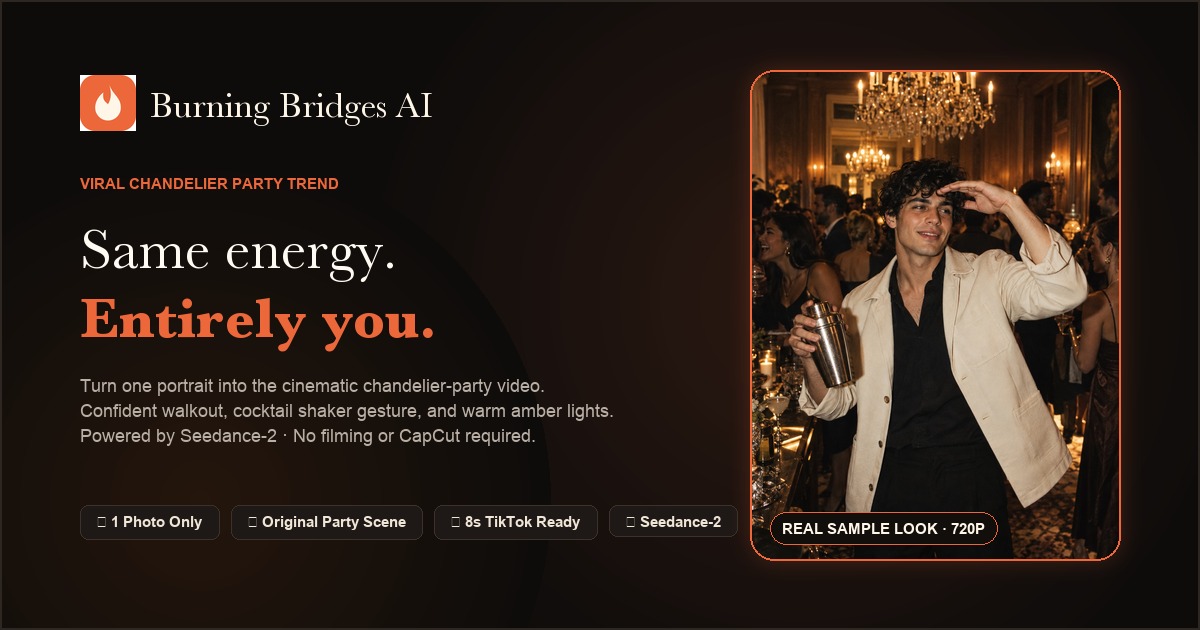 Burning Bridges Studio
If you want to star in the viral chandelier-party trend, you now have multiple options ranging from specialized web tools to multi-step mobile apps. But which one delivers the best facial likeness, lowest cost, and easiest workflow?
Here is an honest breakdown of the top ways to create your Burning Bridges video in 2026.
The Contenders
1. Burning Bridges AI (Web Platform)
- Engine: Powered by SeeAPI Seedance reference-to-video foundation models.
- Workflow: Upload 1 photo, pick resolution (480P or 720P), click generate.
- Cost: Affordable one-time credit packs starting at $9.90 (credits never expire). No forced monthly subscription.
- Strengths: Best facial preservation, realistic hand anatomy during the cup toast, completely browser-based, failed generations are automatically refunded.
- Best for: Anyone who wants a fast, watermark-free HD video ready for TikTok with zero learning curve.
2. CapCut Community Templates
- Engine: Template-based clip editing.
- Workflow: Install CapCut mobile app, import 3–5 pictures, match timeline keyframes.
- Cost: Free (with optional CapCut Pro tier).
- Strengths: Free and easy if you already use CapCut daily.
- Limitations: Does not generate real AI motion—only pans and transitions over static photos. Cannot create fluid video of your face walking through a room.
- Best for: Simple photo slideshows.
3. Higgsfield / Generic Generative Platforms
- Engine: Genjutsu / Stable Video diffusion pipelines.
- Workflow: Requires prompt engineering, model tuning, and motion transfer settings.
- Cost: Often requires recurring subscriptions ($19.99–$49.99/mo).
- Strengths: Highly customizable for 3D animators and prompt engineers.
- Limitations: Complex interface, steep learning curve, high queue wait times, and credits are often consumed even on warped outputs.
- Best for: Advanced AI artists who want to tweak camera physics from scratch.
Comparison Matrix
| Factor | Burning Bridges AI | CapCut Templates | Generic AI Tools | | :--- | :--- | :--- | :--- | | Setup Time | < 2 minutes | 5–10 minutes | 15–30 minutes | | Motion Realism | Generative 8-second cinematic shot | 2D transitions & zooms | Variable (often wobbly) | | Facial Likeness | High (Seedance engine) | Static photo paste | Medium (prone to distortion) | | Subscription Needed | No (One-time packs available) | No | Usually Yes | | Refund Policy | 100% instant auto-refund on fail | N/A | Rare |
Summary Verdict
- If you just want a quick static slideshow, use CapCut.
- If you are an experienced prompt engineer willing to pay monthly fees for endless trial-and-error, try Higgsfield.
- If you want the authentic, viral 8-second cinematic video with fluid party choreography and true facial fidelity from a single photo, the most practical solution is Burning Bridges AI.