
Burning Bridges CapCut Template: Where to Find It + An Easier Way
Looking for the Burning Bridges CapCut template? See how CapCut templates work, what limitations they have, and the 1-click AI browser alternative from one photo.
 Burning Bridges Studio
Whenever a viral trend blows up on social media, millions of users immediately search for a CapCut template. If you've been searching for the Burning Bridges CapCut template or Chandelier Party CapCut edit, here is what you need to know about where to find it—and why an AI browser generator is often much faster and more realistic.
Where to Find the Burning Bridges CapCut Template
To search for community-made CapCut templates:
- Open the CapCut app on your iOS or Android device.
- Tap the Templates tab at the bottom.
- Search for terms like:
Burning Bridges AIChandelier Party EntranceHand over eyes trend
- Tap Use Template and import your photos or video clips into the marked keyframes.
What a CapCut Template Can (and Can't) Do
While CapCut is great for beat-matching static clips, standard templates have significant limitations when it comes to generative trends:
- No True AI Facial Morphing: CapCut templates mainly cut between existing video footage and static photos with transition wipes or zoom effects. They cannot generate new continuous motion of your own face stepping out of the crowd.
- Manual Alignment Hassles: You often need 3 to 5 precisely cropped images to match the timeline markers, which can feel jarring if the angles don't align.
- App Installation & Watermarks: You need the mobile app installed, and free exports frequently include CapCut end-card watermarks unless manually removed.
The Easier Way: Generate Real AI Video from 1 Photo
Instead of slicing images in CapCut, you can use the Burning Bridges AI Web Generator directly in your browser:
- Upload One Photo: Just a standard selfie or portrait.
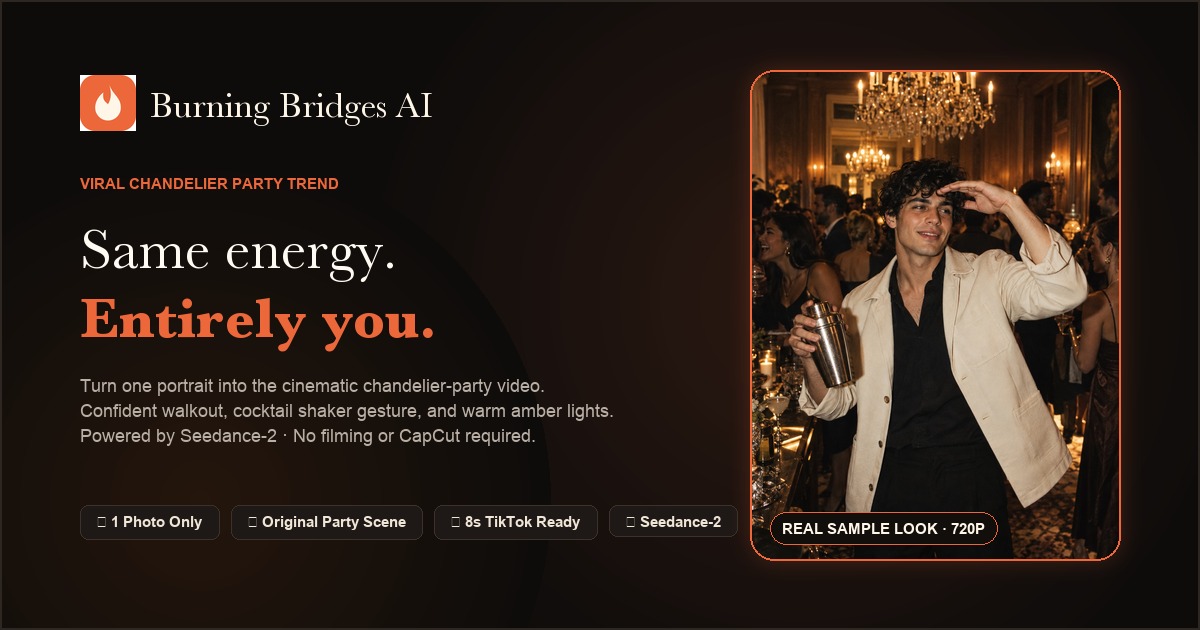
- True Cinematic Continuity: The AI generates a seamless 8-second video sequence where you actually walk through the party, raise the silver cup, and look across the room with natural body physics and fluid gestures.
- No App Download: Everything processes in the cloud in about 2 minutes.
- Watermark-Free Export: Download clean, high-resolution vertical MP4 video ready to upload directly to TikTok or Instagram Reels.
Comparison: CapCut Template vs. Burning Bridges AI
| Feature | CapCut Template | Burning Bridges AI | | :--- | :--- | :--- | | Input Required | 3–6 photos/clips + manual trimming | Just 1 single photo | | Motion Realism | Static pans & zoom transitions | True generative AI continuous choreography | | Face Likeness | Static overlay | Integrated lighting, skin texture & expressions | | Software Needed | CapCut App (Mobile/Desktop) | Web browser (Zero installation) | | Ready for TikTok | Yes (manual export) | Yes (direct vertical 9:16 download) |
If you want the authentic viral look with fluid party motion and facial consistency, skip the tedious template searching and generate your video in one click at Burning Bridges AI.