
How to Do the Burning Bridges AI Trend: Step by Step (2026)
Step-by-step guide to making the viral Burning Bridges AI trend video from one photo. Chandelier party entrance, hand-over-eyes look, no editing app needed.
 Burning Bridges Studio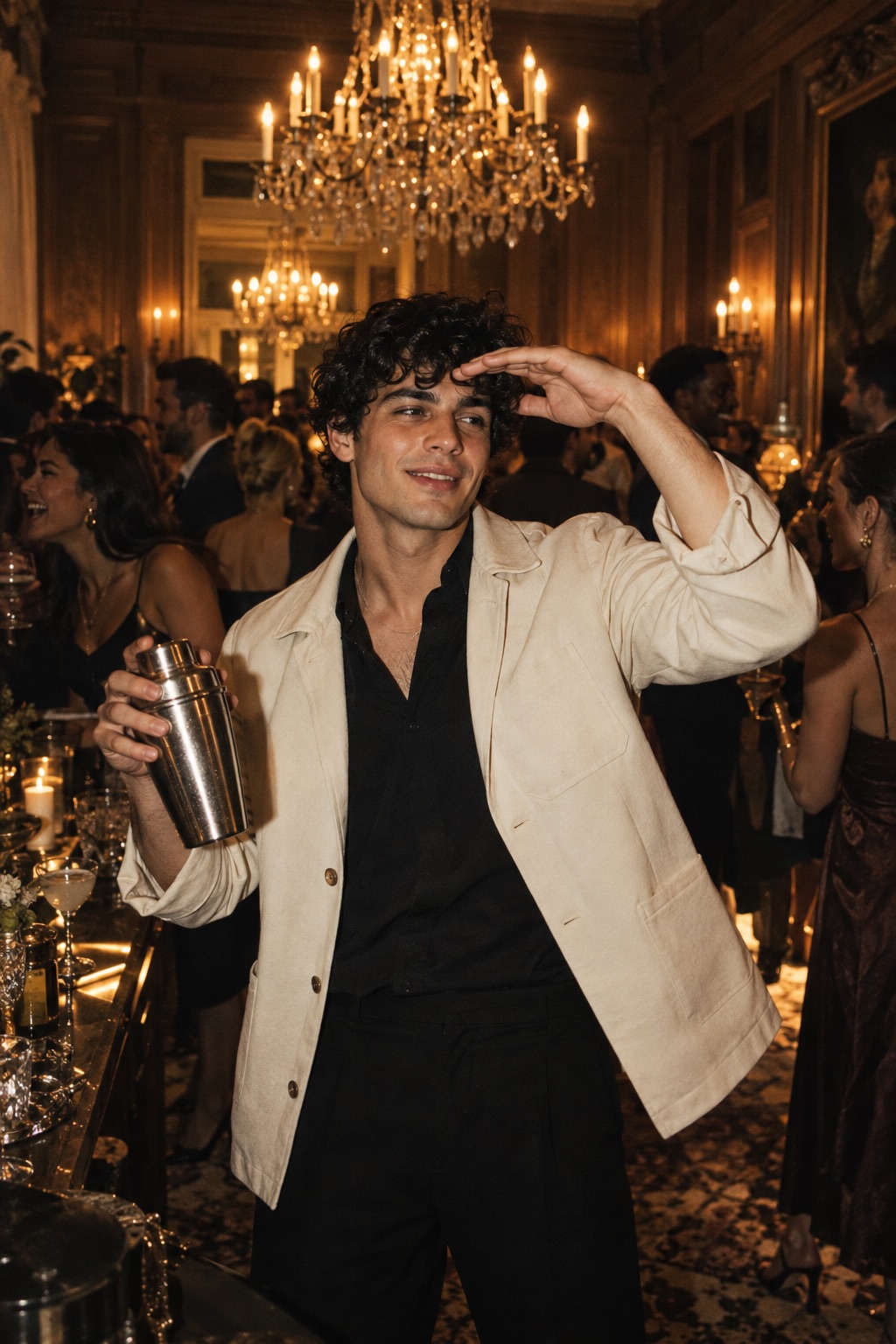
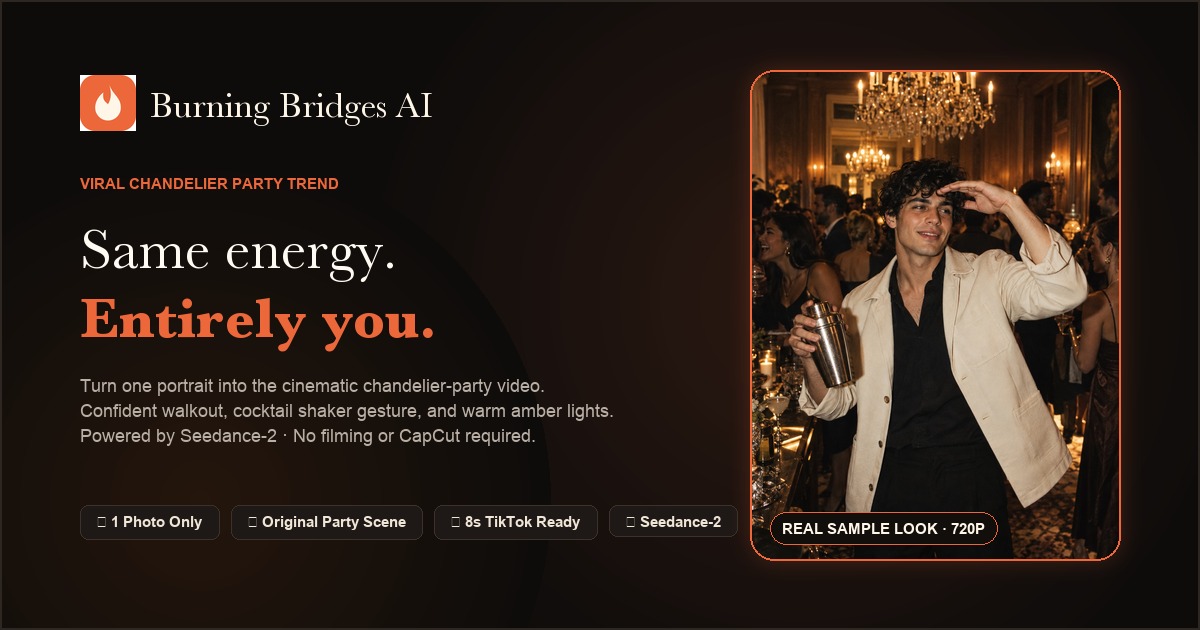
The Burning Bridges AI trend has taken over TikTok, Instagram Reels, and YouTube Shorts. It places your face into an upscale, warm chandelier-lit party where you confidently walk out of the crowd, raise a shiny silver cup in a toast, and do the iconic playful hand-over-the-eyes gesture scanning the room.
If you’ve seen friends, creators, or pets starring in this viral clip and wondered how to make your own without complex video editing software or prompt writing, here is the complete step-by-step walkthrough.
What is the Burning Bridges AI Trend?
The trend recreates an opulent, cinematic nightlife party scene:
- The Entrance: You step out from behind chatting party guests into the warm amber chandelier glow.
- The Toast: You hold and raise a polished silver cocktail shaker or cup directly toward the camera.
- The Iconic Look: You straighten your collar, smile charismatically, and place a hand horizontally above your eyebrows, playfully scanning the lively room.
Traditionally, creators had to install specialized video editing apps or run multi-step image-to-video pipelines. Now, you can do it in seconds in your browser with a single photo.
What Photo Works Best?
You only need one photo. To get the most realistic face resemblance and natural party choreography:
- Good lighting: A clear selfie or portrait with even illumination on your face.
- Waist-up framing: Photos showing your head, shoulders, and chest allow the AI to accurately preserve your hairstyle, skin tone, and clothing style.
- Single subject: Avoid group photos where the AI might get confused about which face to cast as the lead.
- No heavy obstruction: Avoid sunglasses, face masks, or dramatic novelty filters on the input photo.
Step-by-Step: Making Your Burning Bridges Video
1. Upload Your Photo
Head to the Burning Bridges AI Generator homepage. Drag and drop your favorite selfie or click to browse.
2. Choose Your Resolution & Aspect Ratio
- 9:16 Vertical: Recommended for TikTok, Instagram Reels, and YouTube Shorts.
- 16:9 Widescreen: Great for desktop displays, horizontal YouTube videos, or TV screens.
- Resolution: Choose 720P Standard for sharp facial detail and coherent motion, or 480P Fast for rapid previews.
3. Click Generate
No prompt engineering is needed. The choreography, setting, camera angles, and lighting parameters are already pre-tuned for optimal cinematic quality.
4. Download & Post
In 2 to 3 minutes, your 8-second vertical HD MP4 is ready. Download it without watermarks, open TikTok or Instagram, and pair it with the trending viral sound when publishing!
Frequently Asked Questions
Does it require CapCut or video editing skills?
No. The entire video generation happens in the cloud. You do not need to cut video clips, match beat markers, or install CapCut templates.
What if my video render fails?
If an AI generation fails or encounters a safety filter timeout, 100% of your credits are automatically refunded to your balance immediately.
Can I make a Burning Bridges video of my pet?
Yes! Pet versions (especially dogs and cats in gold chains stepping out of the party crowd) are among the most viral clips on TikTok. Upload a clear picture of your pet looking into the camera to create one.